
Contributor II
December 1, 2022
Answered

Controller Update Error on Macbook

  • December 1, 2022
  • 11 replies
  • 417 views

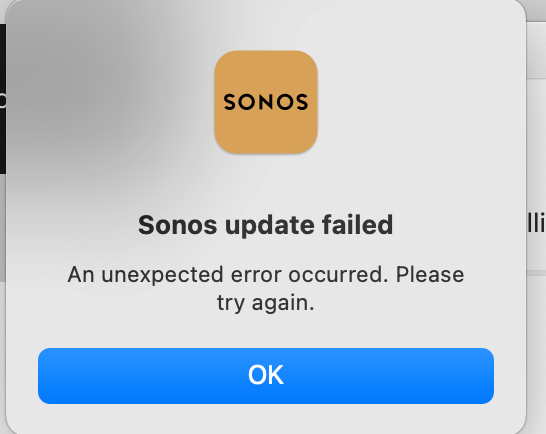
There is an “update now” button on my S2 Controller on my MacBook but I am having trouble updating it. I have not had issues in the past updating the app on my MacBook. I keep getting an error during the install process that says “Sonos Update Failed. An unexpected error occurred. Please try again”. (Screenshot of Error attached) 

I have tried it again several times and keep getting the same error. I am running Mac OS Ventura 13.0.1. Anyone know a fix? 


This topic has been closed for further comments. You can use the search bar to find a similar topic, or create a new one by clicking Create Topic at the top of the page.
Best answer by Airgetlam

Delete the Sonos file from your Mac. Download the new version from https://support.sonos.com/en-us/downloads

Run the install. When asked, use “Connect to Existing System” rather than “Create new system”

11 replies

Lyricist I
October 25, 2023

As of October 2023 this is STILL an issue. Super annoying to have to delete the app and navigate to the page to download a new copy. I find it hard to believe the engineers can create an app with so many innovative features, but can’t fix this issue.


At the very least, make the error message more helpful. This issue has kept me from updating my app for longer than it should because I don’t want to deal with the hassle.