Contributor I
April 3, 2022
Answered

Connection issue

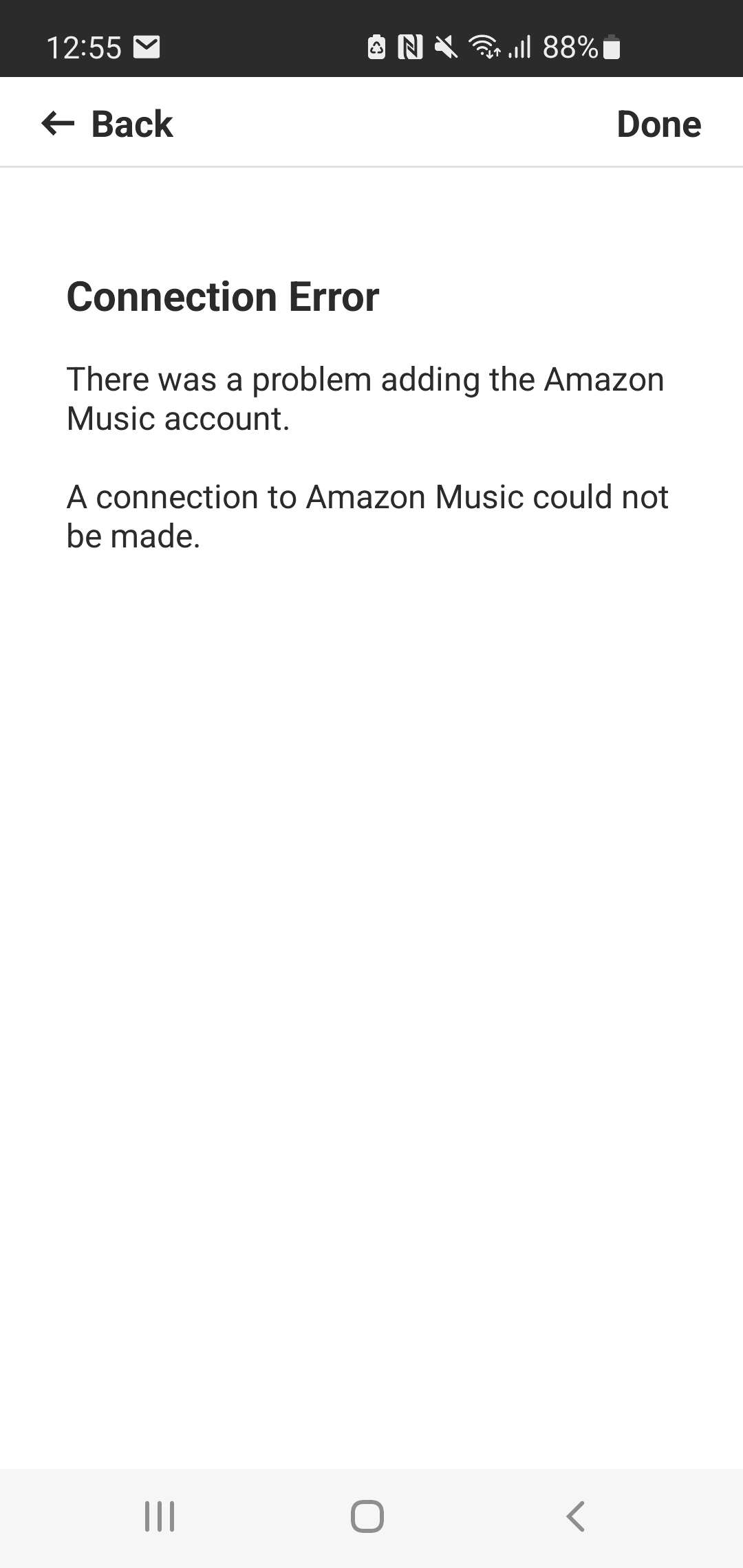
Getting the attached error when trying to set up amazon music. Same happens with all other music services too like Spotify etc. How do i fix please? 


I have rebooted multiple times, reset the app, even set up system as if brand new and still not working. 

This topic has been closed for further comments. You can use the search bar to find a similar topic, or create a new one by clicking Create Topic at the top of the page.
Ken_Griffiths
April 3, 2022

Perhaps first see this link:

https://support.sonos.com/s/article/4948

Also ensure your mobile device is running Android 8.0 or higher, check for any Sonos updates, ensure the mobile is connected to same 2.4Ghz WiFi band as your Sonos products and maybe try a different DNS server on your router, such as the Google public servers 8.8.8.8 or 8.8.4.4. 

Check there is no ‘security software’ running on the mobile device, or router that is restricting/blocking your online access, such as a VPN service, or firewall.

If still no joy, then go onto try a different mobile controller device, if you have one available.

 

4 replies

Lead Maestro
April 3, 2022

Try unplugging the speaker(s) from power for a couple of minutes and reboot your router and phone. Also delete and reinstall the Sonos app.

"Receive with simplicity everything that happens to you." - Rashi
Leyoung88Author
Contributor I
April 3, 2022

I've done all that multiple times 

Ken_Griffiths
April 3, 2022

Perhaps first see this link:

https://support.sonos.com/s/article/4948

Also ensure your mobile device is running Android 8.0 or higher, check for any Sonos updates, ensure the mobile is connected to same 2.4Ghz WiFi band as your Sonos products and maybe try a different DNS server on your router, such as the Google public servers 8.8.8.8 or 8.8.4.4. 

Check there is no ‘security software’ running on the mobile device, or router that is restricting/blocking your online access, such as a VPN service, or firewall.

If still no joy, then go onto try a different mobile controller device, if you have one available.
 

Stanley_4
Grand Maestro
April 3, 2022

Also check if you are using a DNS (Domain Name System) filter on your LAN, mine requires either careful tweaking or disabling for setting up some services.
