Hi @jason_a69,
Sorry to hear that you’re having issues playing Spotify through the Desktop app.
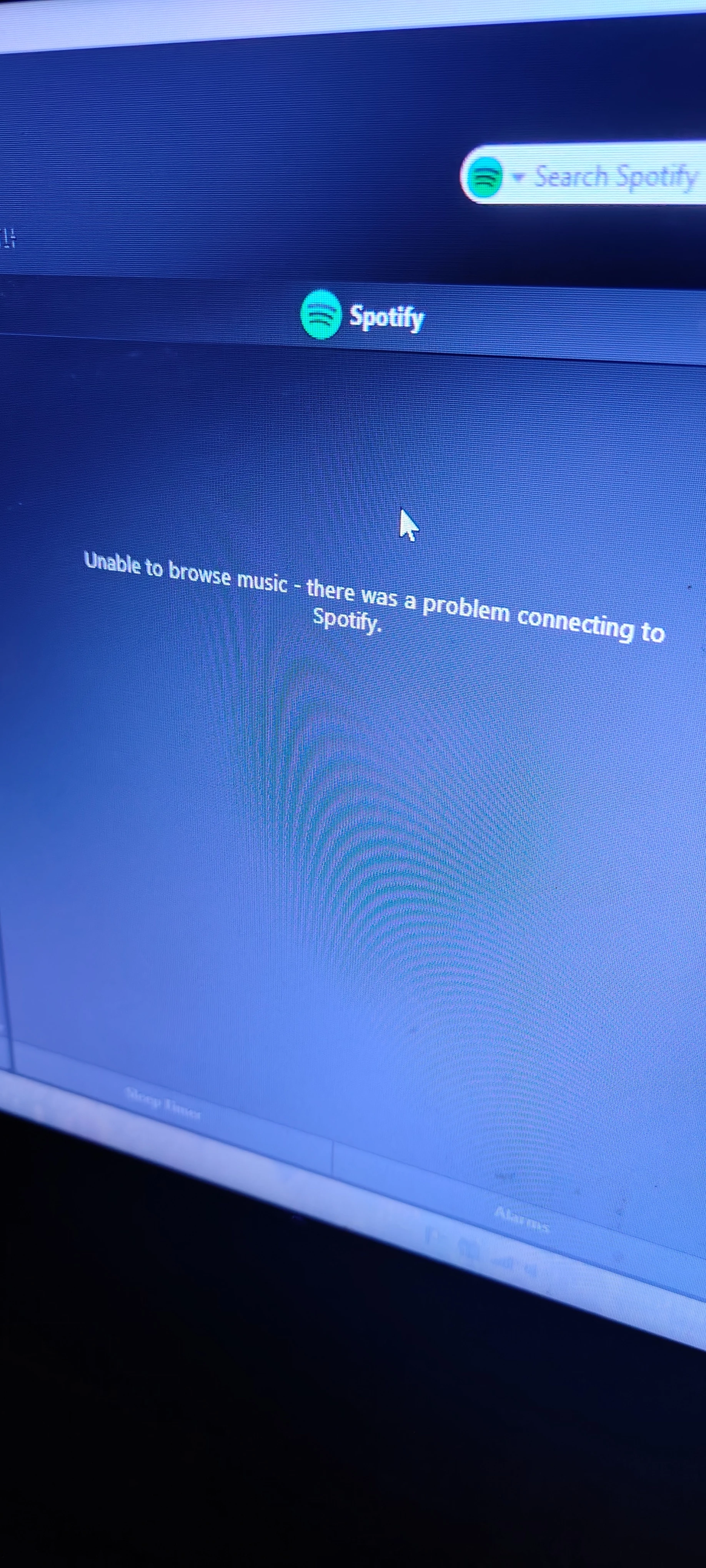
The ‘Unable to browse music’ is usually a network or DNS-related connectivity issue. If you use the Sonos Web app, do you still see the ‘Unable to browse music’ error? If so, make sure the desktop’s firewall is set up to allow Sonos and the relevant ports. You can also attempt to change the DNS server on the router to either Google (8.8.8.8) or OpenDNS (1.1.1.1), support can help you adjust this if you aren’t sure how to yourself.
If it’s only occurring on the Desktop controller, and not the other devices you tested plus the web app, I would try the following:
- Remove Spotify as a service from the Sonos app and uninstall the Sonos Desktop Controller
- Restart the desktop computer
- Restart the router and network devices
- Temporarily disable any VPN software if you have any running
- Reinstall the Desktop app, then re-add Spotify.
If the steps above don’t help, then I would recommend submitting a diagnostics from the desktop controller when you see the ‘Unable to browse music’ error, then contact our support team for further troubleshooting assistance.
I hope this helps!