Cannot play Spotify on Sonos (neither Sonos App or Direct Control)
Really odd issue today. I am a long time owner of Sonos and have had this current set up for almost a year now.
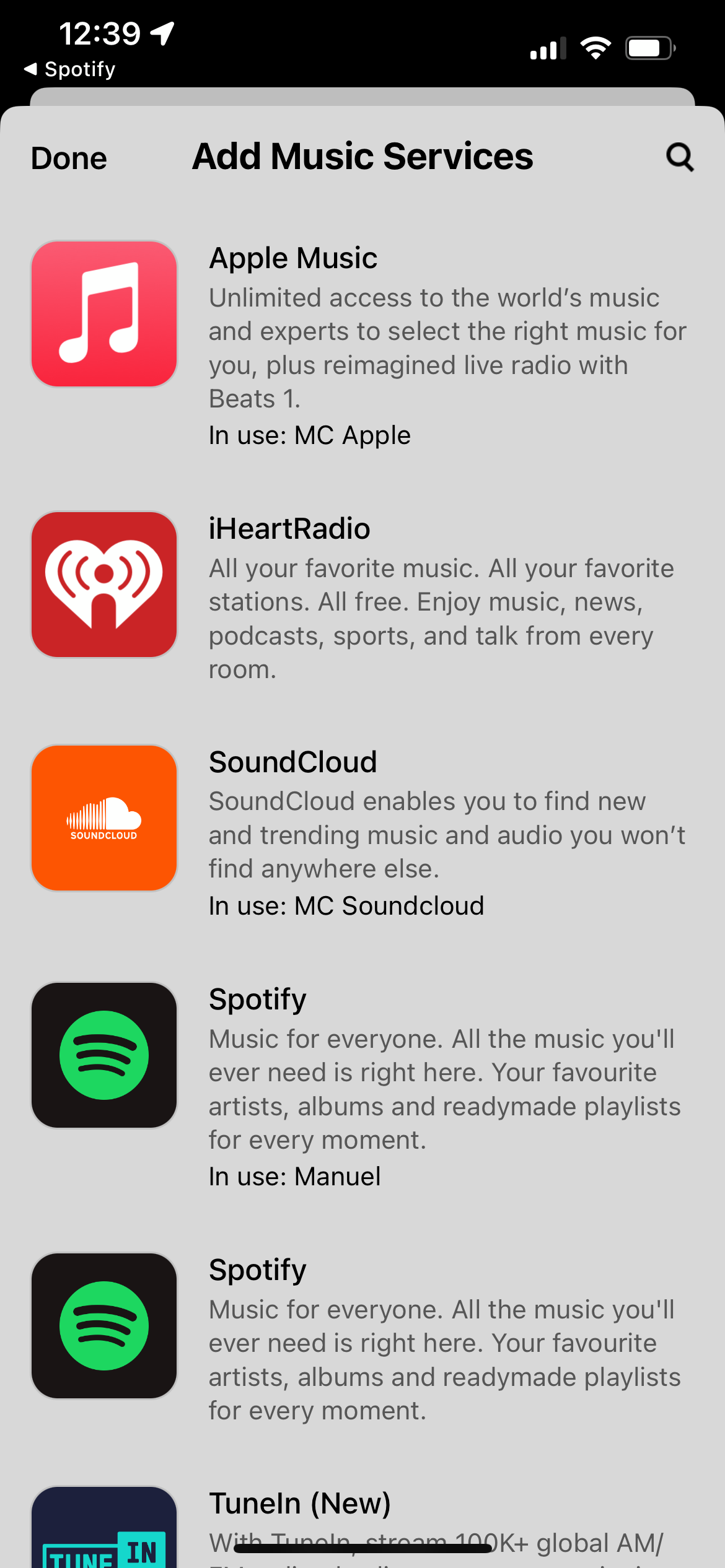
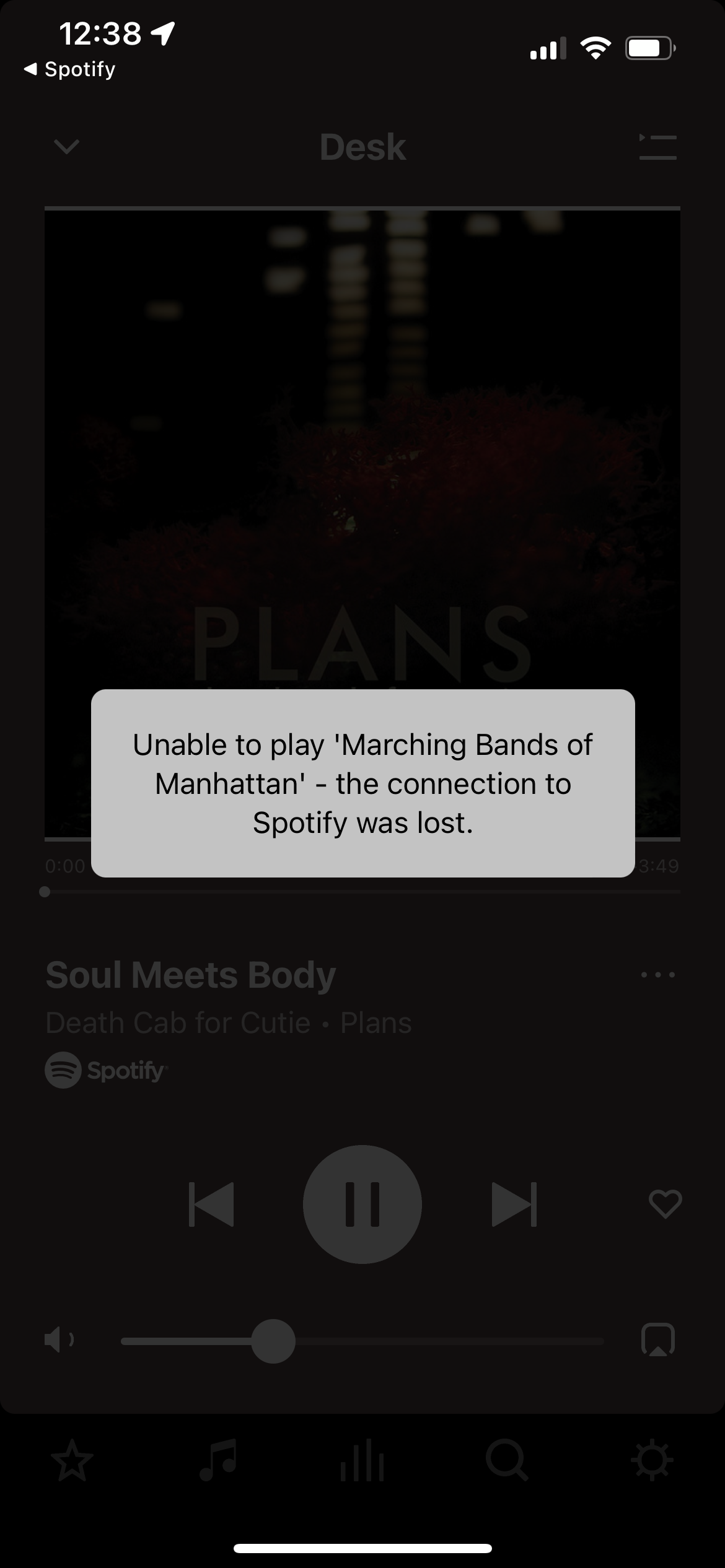
This morning I found out I cannot play any Spotify to Sonos via the Sonos App or Spotify Direct Control. It also does not work starting via Alexa. The experience I see if it connects to sonos via DC and I can even control the volume and see it relect in the Sonos app along with the song it is trying to play. But when I try to play, it looks like it is playing for 5-10s with no sound then skips to the next song. In the Sonos app it says it is unable to play the song - it lost connection to spotify, it does this for every song it skips. This is the same for playing via the Sonos App, not DC. I attached a screenshot below for the error when trying via Sonos App and another for the two spotify options that show up.
When I called Customer Support to get help, we tried a number of things including: reboot all Sonos products (all unplugged then all plugged back in), reboot my modem and routers (I have a mesh of 3 eero pro), uninstall spotify service on sonos and reinstall, try leaving spotify uninstalled and trying DC from spotify as a guest account, changing eero DNS, tried each speaker. I don’t work at Spotify or Sonos and am not in any beta that I am aware of. My wife has spotify but is away from home right now so I will try her Spotify later to see if it is just me. Spotify does work on my phone and laptop and works via Airplay but that is not how I generally play Spotify.
None of these worked.
Along the way I discovered I had two spotify options to reinstall spotify on sonos. I tried both and could even have both enabled at the same time but nothing worked still.
The CS rep and I ran out of ideas to try so looking for help elsewhere.