Contributor I
December 28, 2020
Answered

Cannot add Tidal to Sonos App

Hello team,

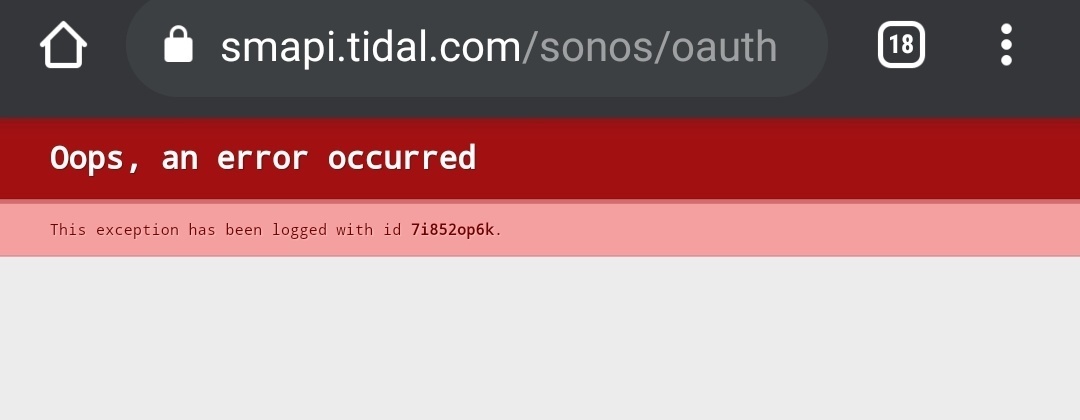
I am trying connect my tidal account to Sonos app, after entering the credentials an error appears same as the attached screenshot



This topic has been closed for further comments. You can use the search bar to find a similar topic, or create a new one by clicking Create Topic at the top of the page.
pagratiosAnswer
Contributor I
January 2, 2021

It seems that I used the wrong email :grin:

Now works like a charm!

5 replies

Mark P
Retired Sonos Staff
December 28, 2020

Hi @pagratios.

Welcome, thank you for reaching out to Sonos Community, We appreciate your time and effort in posting your concern here in our community.

It would be better if you can add it directly on the Sonos app.

  1. Open the Sonos app.
  2. From the Settings tab, tap Services & Voice.
  3. Under Music & Content, tap Add a Service.
  4. Tap the service you would like to add.
  5. Tap Add to Sonos.
  6. Follow the on-screen instructions to add the music service account.

Let us know if it works. If you need help with any other information, please be sure to let us know.


Help others find useful content by clicking the like button and selecting the best answer to your question
pagratiosAuthor
Contributor I
December 29, 2020

I followed the steps although after the authorization step I am redirecting to https://smapi.tidal.com/sonos/oauth?code=...

And I get the error from the previous post

Mark P
Retired Sonos Staff
December 31, 2020

Hi @pagratios.

Welcome, thank you for reaching back to Sonos Community.

I would like to recommend calling our customer phone support on this so you can be assisted with more thorough and in-depth troubleshooting steps as well as remote diagnostics that can be remotely gathered from your Sonos devices with your permission.

If you need help with any other information, please be sure to let us know.

Help others find useful content by clicking the like button and selecting the best answer to your question
pagratiosAuthorAnswer
Contributor I
January 2, 2021

It seems that I used the wrong email :grin:

Now works like a charm!

Mark P
Retired Sonos Staff
January 2, 2021

Hi @pagratios.

Welcome, thank you for reaching back to Sonos Community.

Good, you manage to figure it out on your own. 

Who could expect that it's invalid credentials all along, it's not even clear in the error message how to fix it.

If you need help with any other information, please be sure to let us know.


Help others find useful content by clicking the like button and selecting the best answer to your question