
Contributor I
March 7, 2020
Answered

Can't stream from iTunes on iMac to Sonos speaker

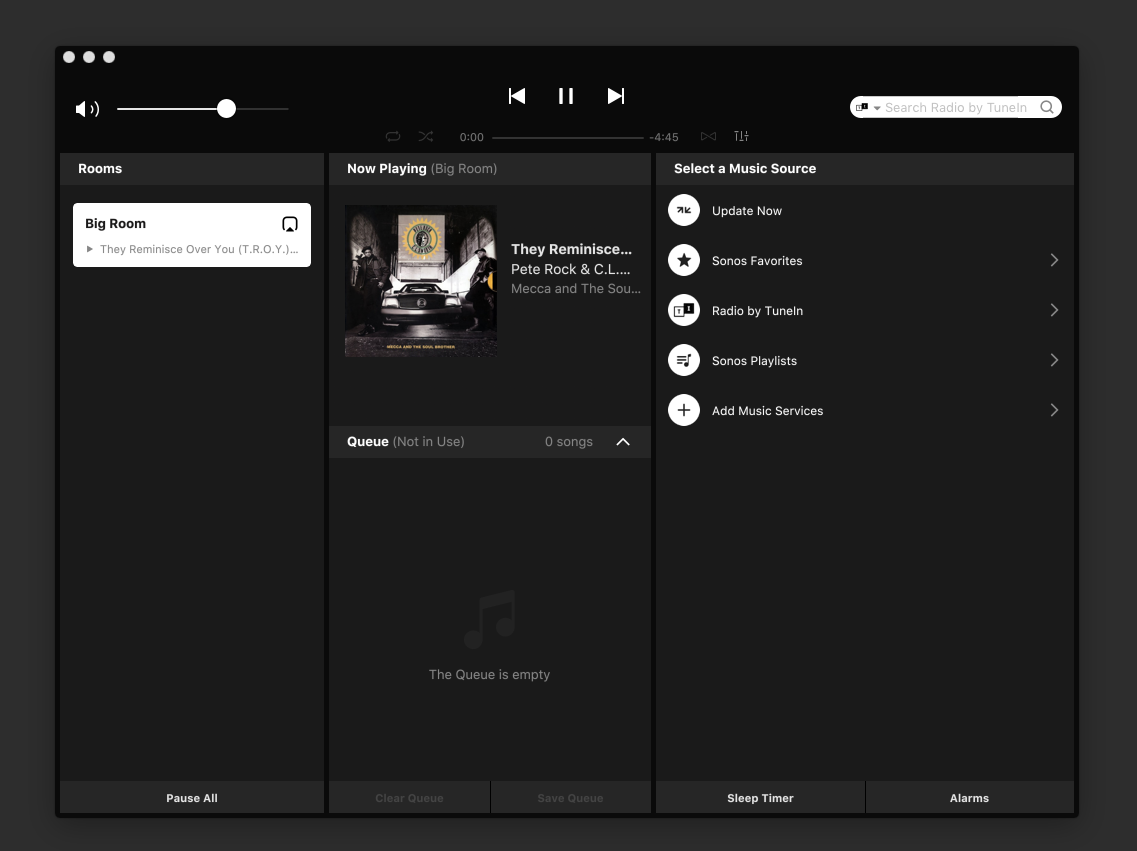
High Sierra 10.13.6. I can see the speaker (One SL) in iTunes and it seems like there is a connection between them, but when i start playing a song it shows in a Sonos Controller app, like the info is loading, with the cover art, etc. but there is no sound and after like 2-3 second it drops like there is nothing to play. How can i fix this?
 

    This topic has been closed for further comments. You can use the search bar to find a similar topic, or create a new one by clicking Create Topic at the top of the page.
    John BAnswer
    March 7, 2020

    I am a little confused about what you are doing here, but you can only play from iTunes using Airplay 2, which does not involve the Sonos app.

    To play the music stored on your Mac using the Sonos app you would need to set up a Sonos music library linked to the folder where your music is stored for iTunes.  Have you done that?

    https://support.sonos.com/s/article/257?language=en_US

    13 replies

    John BAnswer
    March 7, 2020

    I am a little confused about what you are doing here, but you can only play from iTunes using Airplay 2, which does not involve the Sonos app.

    To play the music stored on your Mac using the Sonos app you would need to set up a Sonos music library linked to the folder where your music is stored for iTunes.  Have you done that?

    https://support.sonos.com/s/article/257?language=en_US

    Contributor I
    March 7, 2020

    Yes, i’ve set up the Sonos app as well and it works great. However, i can’t stream directly from iTunes and that’s what i would prefer to be doing. The Airplay connection itself seems fine, but it just won’t stream, it says “connection lost” when i hit play (or something similar, i’m not using the english interface).

    Maybe there’s some sort of interference between the Sonos app and iTunes?

    March 7, 2020

    No it won't be that. The Sonos app is just a remote control. Airplay 2 'should' work. 10.13.6 was the minimum requirement for Airplay 2 at launch and I am not aware of that having changed. But I am not an Airplay user and so I am not the best person to advise further.

    Contributor I
    March 7, 2020

    The trouble is only when i try to stream directly from iTunes. I can stream from my iPhone to the Sonos speaker and LG webOS TV just fine, but not from iTunes.

    Contributor I
    March 10, 2020

    Ok, so i don’t know why, but now the Airplay connection itself seems stable and the song doesn’t stop in iTunes when i select Sonos as an audio output, however, the sound still ain’t coming from the Sonos speaker. It’s like everything is perfect, just in the “mute” mode (but it’s not)… Anyone can help?

    March 10, 2020

    Looks like Apple may have moved the goalposts

    https://support.apple.com/en-us/HT208728

    Contributor I
    March 10, 2020

    I’m not sure if this is a Sonos issue or an iTunes / iMac one… Airplay obviously “works”, but for some strange reason there’s just no audio coming out from the Sonos speaker, like i muted it.

    March 10, 2020

    It doesn’t obviously work.  It looks like you need a more recent OS now than you have, unless i am misinterpreting the article I linked.  It may be trying to use original Airplay and failing.

    Contributor I
    March 10, 2020

    My iMac is mid 2010. Maybe it doesn’t have Airplay 2 at all? I didn’t find a clear answer. Also, the article that you have posted says that Catalina is required, but there are other articles on the web saying that High Sierra has Airplay 2 as well... And even if my iMac is THAT old, why can’t Sonos One SL just work with Airplay 1, are they totally different things?

    Airgetlam
    March 10, 2020

    AirPlay 1 and AirPlay 2 are indeed two separate things. Sonos has never been capable of dealing with AirPlay 1.

    Bruce