
Contributor I
March 18, 2023
Answered

Can't group Sonos Ones on Android app?

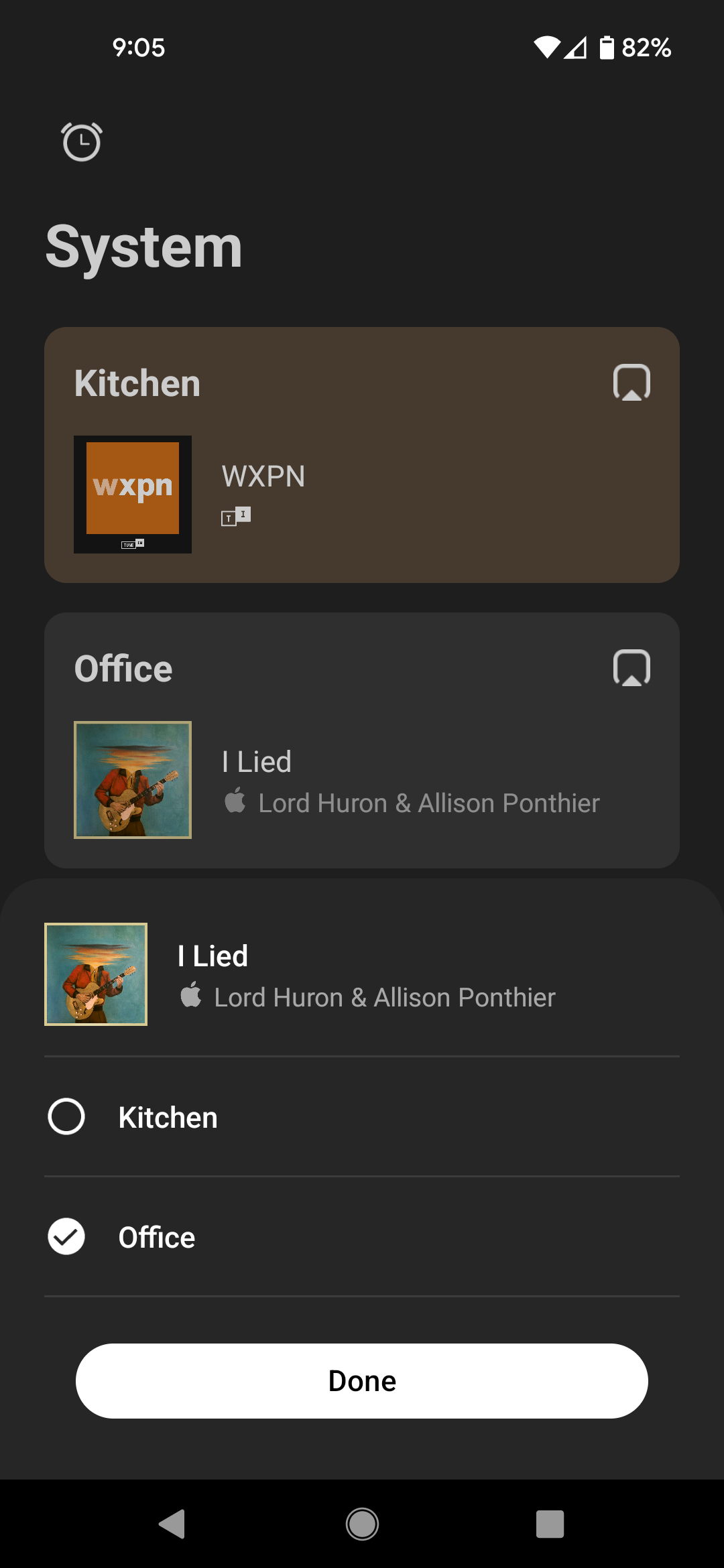
I have two Sonos Ones setup in their own rooms, and want to create a third called House so don't have to keep selecting them both when I want to do that, or as I add new speakers in the future. I do not have the option for everywhere, or to hit the plus and create a custom group. Ideas?
 

This topic has been closed for further comments. You can use the search bar to find a similar topic, or create a new one by clicking Create Topic at the top of the page.
nik9669aAnswer
Senior Virtuoso
March 18, 2023

I think when there are only two rooms, no “everywhere” exists since it’s only one click to select the other room. It should appear when you add a third speaker/room. 

1 reply

nik9669aAnswer
Senior Virtuoso
March 18, 2023

I think when there are only two rooms, no “everywhere” exists since it’s only one click to select the other room. It should appear when you add a third speaker/room.