
Contributor I
October 5, 2021
Answered

Can´t Get Mac Sonos App to Pickup External HDD...?

Hello all!


I am currently having issues trying to use the Mac OS Sonos S1 controller app with my external HDD that is connected over a USB cord. Strangely, I get this error ever time I try to add a folder directory to my music library from the HDD.  I´ve also found that Sonos will pickup my iTunes library and will not denote any local files, such as on my desktop. Additionally, file type seems to be irrelevant, it refuses to accept mp3, FLAC, M4A, or WAV, unless of course they´re in iTunes.


So, how would I go about solving this disaster?
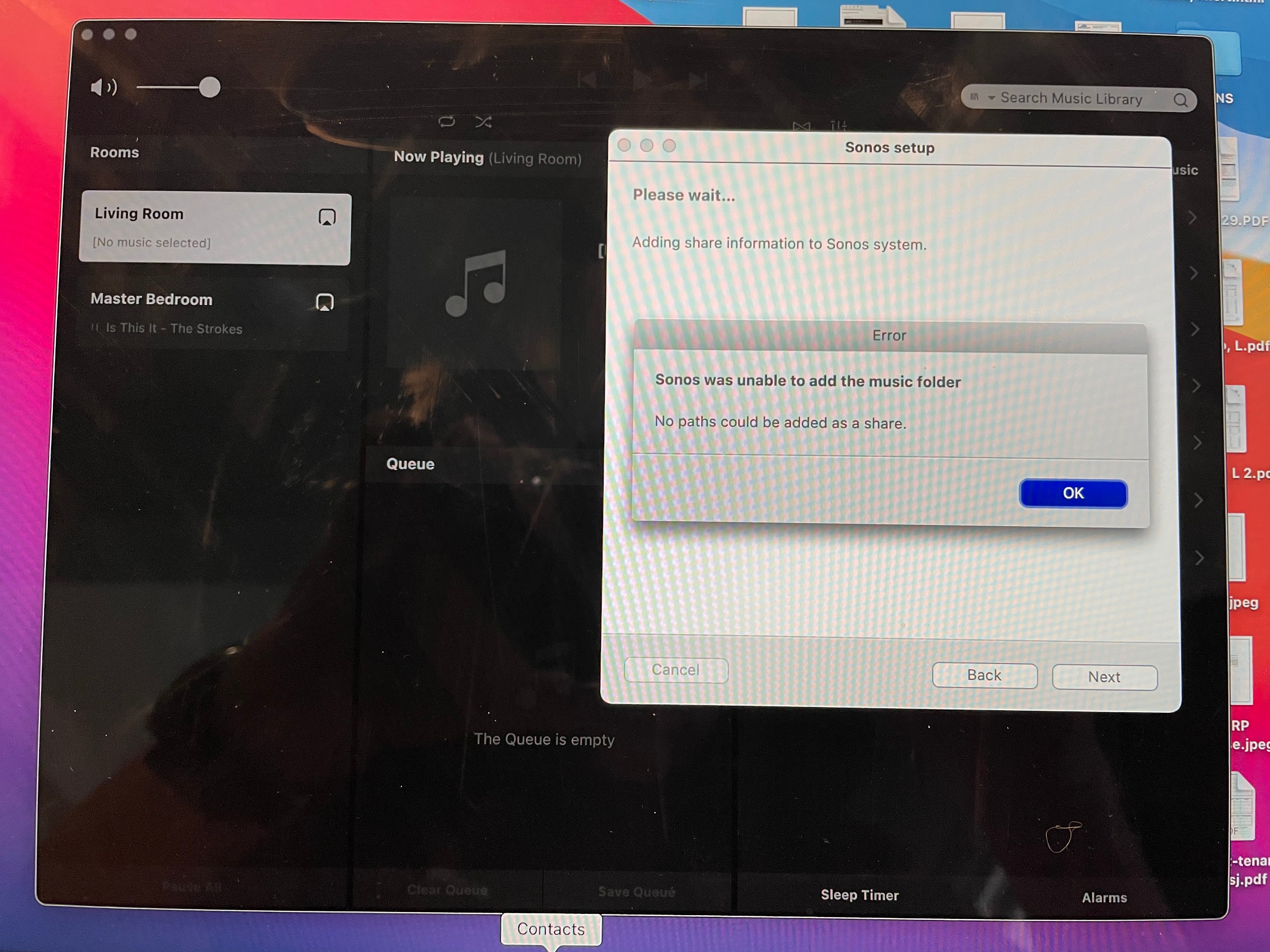


Error Issue Photo


Thank you!!!

This topic has been closed for further comments. You can use the search bar to find a similar topic, or create a new one by clicking Create Topic at the top of the page.
James L.
James L.Answer
Retired Community Staff
October 6, 2021

Hi @LJBran,


Here’s some steps you can try:


  • Open System Preferences on your Mac.
  • Click on Security > Privacy.
  • Under the Privacy tab, click on Full Disk Access.
  • Check the box next to Sonos Library Server.
  • Open the Sonos app.
  • Attempt to add the share again.


If that still fails, submit a system diagnostic and reply with the confirmation number and I’ll take a look :slight_smile:

Mark good posts by pressing the like button, and select the best answer on questions you've asked to help others find solutions.

1 reply

James L.
James L.Answer
Retired Community Staff
October 6, 2021

Hi @LJBran,


Here’s some steps you can try:


  • Open System Preferences on your Mac.
  • Click on Security > Privacy.
  • Under the Privacy tab, click on Full Disk Access.
  • Check the box next to Sonos Library Server.
  • Open the Sonos app.
  • Attempt to add the share again.


If that still fails, submit a system diagnostic and reply with the confirmation number and I’ll take a look :slight_smile:

Mark good posts by pressing the like button, and select the best answer on questions you've asked to help others find solutions.
