
Collaborator II
October 13, 2025

Albums have suddenly started to behave strangely.

Hello all, I hope someone can help me.

I noticed the other day that a few albums in my library had suddenly split into multiple albums. At first I thought there may have been an update that had changed the way certain albums were tagged. I did some rudimentary checks on the album tags (I use Tag & Rename) but couldn't see any issues. However on further examination I noticed that the multiple of the albums had the same track in them see images below.

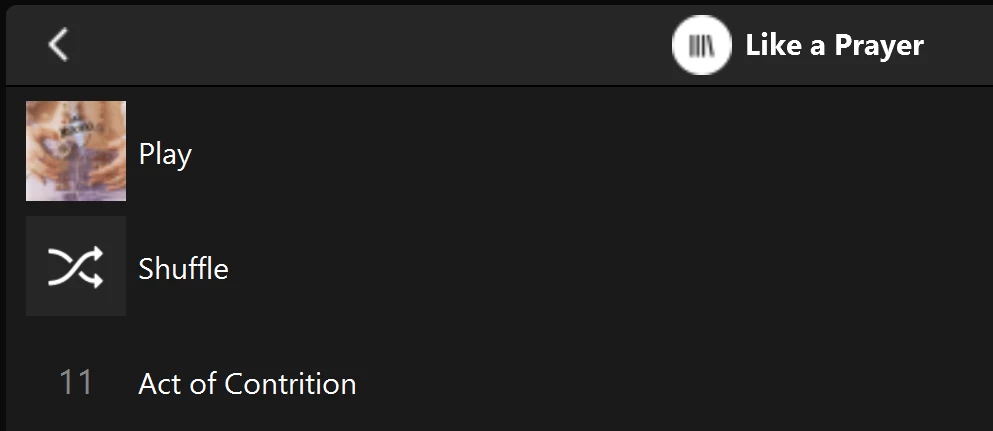
Multiple of one album.
Only one track (The same track) showing in both albums

You can see that a look into the folder for this album shows 11 tracks. 
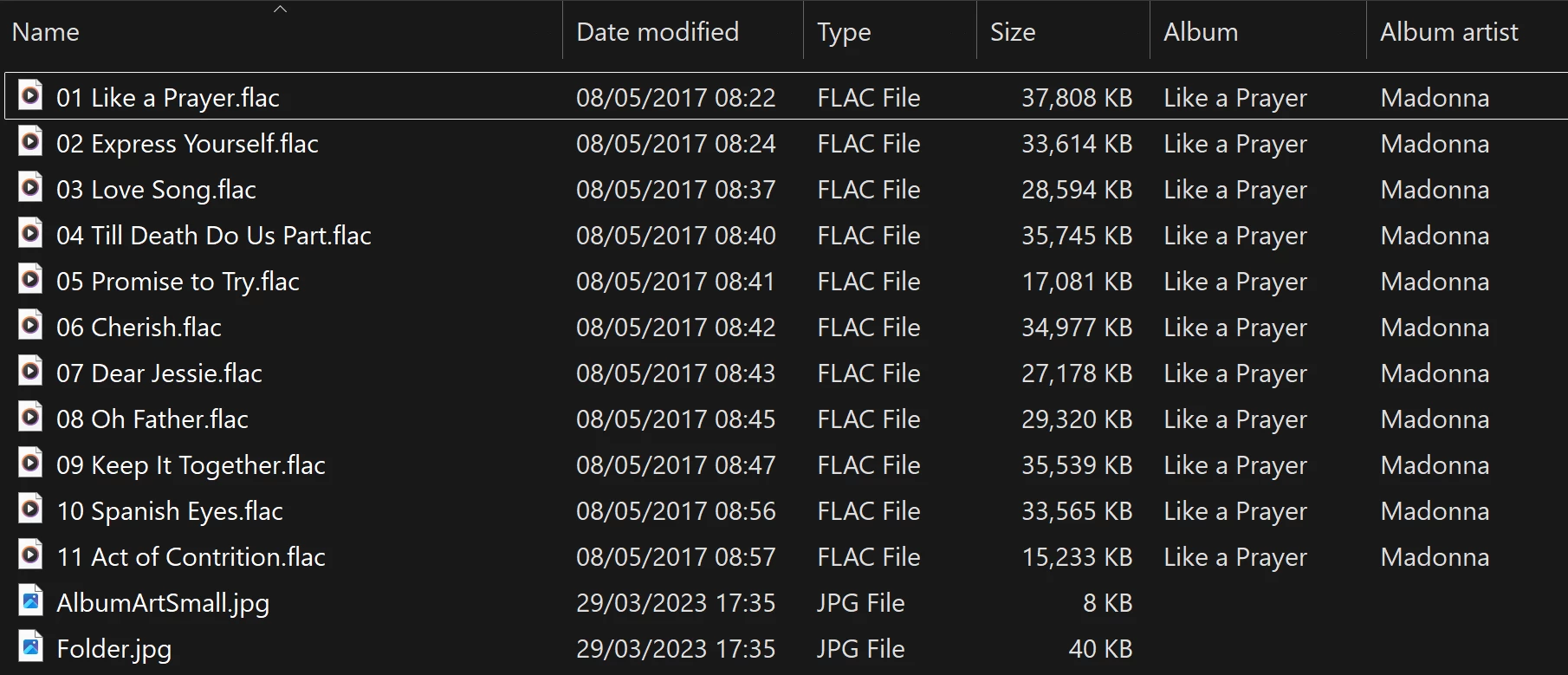
View into the folder for album

Doing a re-scan of the library does not fix the issue. But I have found that by adding a new album to my library fixes the issue after a re-scan. However I have noticed that adding a new album can correct one problem but then suddenly another suddenly is inflicted with the same issue.
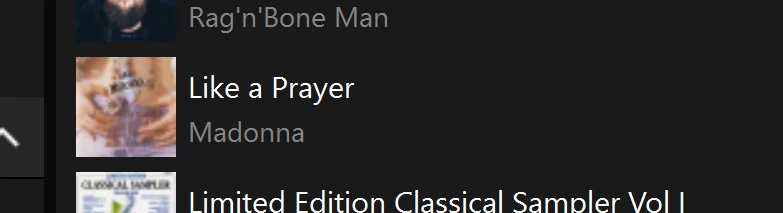
So I am very confused as why adding one album can suddenly cause this issue with other completely unrelated albums. Sorry to have rambled on.

Any thoughts anyone? 

Anthony

170 replies

Smilja
October 21, 2026

Guys,

I’ve only skimmed through the thread, so apologies if the following has already been mentioned:

This behavior apparently only occurs when the music library is being updated. Even though it means extra work -- rebuilding the music library from scratch every time it is expanded or otherwise modified would be a workaround until the bug is fixed.

»And the world is like an apple whirling silently in space, Like the circles that you find in the windmills of your mind.« (›Windmills Of Your Mind‹ [1967]. Music by Michel Legrand ; English lyrics written by Alan & Marilyn Bergman)
kdowling
October 22, 2026

Unfortunately, that’s not the case. You can remove the library, re-add it, rebuild the index from scratch, it doesn’t matter. The results are the same. Updating the library after changing something just changes which albums are displaying the problem. Remove the library and set it back up without changing anything and exactly the same albums show the problem. Until the next change.

There is no workaround that anyone has discovered in over a year since this bug was introduced.

Smilja
October 22, 2026

Personally, I found a different solution years ago by uploading my music collection to iCloud Music Library and YouTube Music. Life is too short to stand on principle. There are now various modern third-party solutions such as Plex, Roon, etc.

If the mountain won't come to the prophet, then the prophet must go to the mountain.

»And the world is like an apple whirling silently in space, Like the circles that you find in the windmills of your mind.« (›Windmills Of Your Mind‹ [1967]. Music by Michel Legrand ; English lyrics written by Alan & Marilyn Bergman)
kdowling
October 22, 2026

I agree, life is too short. My solution was to downgrade all our music playing gear to S1. Home theater devices (and a pair of One SLs for testing) stay on S2. Where I live, our internet connection can be problematic. S2 doesn’t like that. Not being able to play from our large local music library because the internet is down is not an option. S1 solves that too.

Stanley_4
Grand Maestro
October 22, 2026

I'm in the life is too short crowd too.

I wish it was fixed, I have asked for it to be fixed, I no longer expect it to be fixed so I just live with it failing.

The spouse finds it just one more reason to refuse to use Sonos for anything but TV.

MoPac
Headliner III
October 22, 2026

My solution is with the Sonos Port connected to a stereo system that sounds better than any of the other options here at home.  I have used the Bubble UPnP Server option to make the Port an Open Home renderer.  Now I can use Lumin Music or Linn to play my music library.

The only reason I bother with Sonos using the Sonos app is for Dolby Atmos playback.  That sounds great.