
Chromatic Producer I
February 14, 2023
Answered

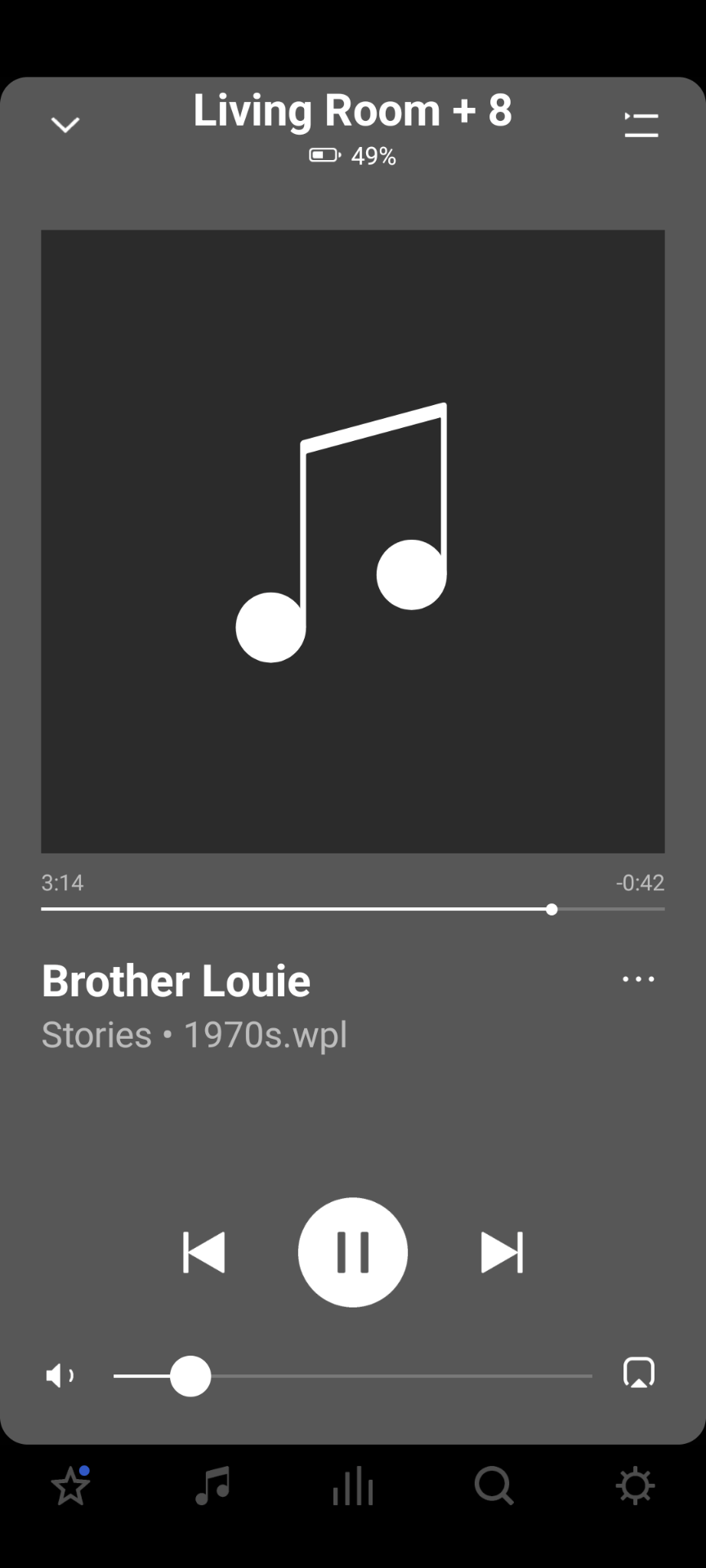
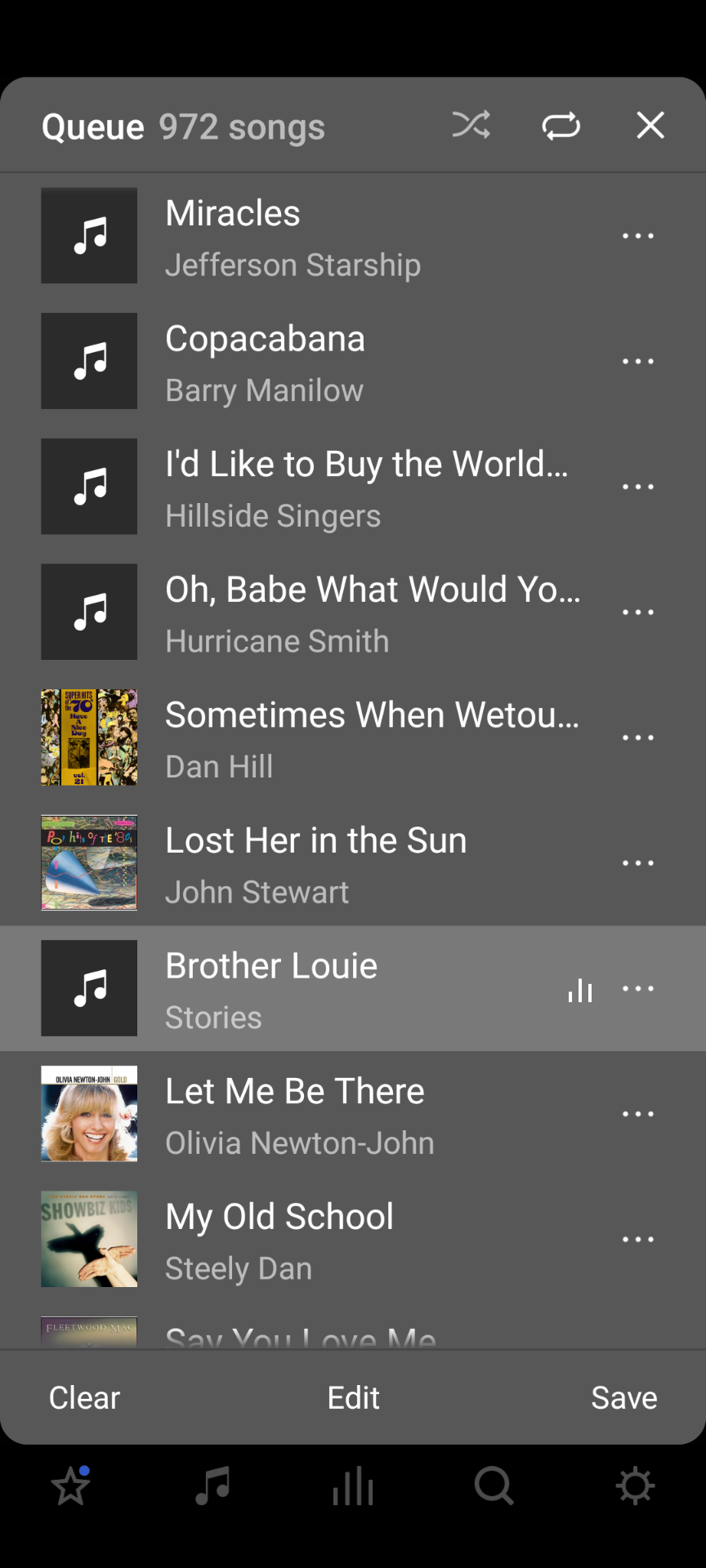
Album art erratic display on Android app still

Like a lot of people, it seems, I have this problem. It’s been going on for a long time and I keep thinking it’ll get fixed but doesn’t. I read an extremely long thread on it (Sonos no longer recognizing folder.jpg for cover art?) in which replies ended many months ago and there seems to have been no resolution. What is the status?

My music library is on a Synology NAS with SMB2 min, SMB3 max. I have a mix of MP3s with embedded art (600x600) and WMAs with a folder.jpg in the containing folder. The issues are not unique to either type; both types fail to display properly at random times. I always play large WPL imported playlists. I frequently update these playlists with manually shuffled versions (I did not feel that Sonos’ shuffle was random enough so I shuffle the playlists myself). My library auto-updates at 4am daily.  

I’ve spent (and continue to spend) a great deal of time curating my library with tags and cover art and it is constantly irritating to see the art not showing properly.


This topic has been closed for further comments. You can use the search bar to find a similar topic, or create a new one by clicking Create Topic at the top of the page.
buzz
buzzAnswer
Grand Maestro
February 14, 2023

I’m not having any Album Art issues with my library of FLAC tracks. I also use Synology. My artwork is stored as folder.jpg.

The SONOS controllers are impatient. If the artwork request is not filled promptly, the controller will move on. In the SONOS controller got to Settings --> System --> About My System and note the Associated Product. This is the player that your controller is working through. If this player has a slow connection to your network for some reason, artwork might display intermittently. You have no control over which player will associate with your controller. It’s possible that the controller will associate with a different player from time to time. Keep track of the association and you may discover a player that has a difficult network connection. 

14 replies

Contributor II
February 17, 2023

Whoops….referred to my “Boost” as “bridge”….it’s a Boost!


buzz
Grand Maestro
February 18, 2023

As a cost saving BOOST and BRIDGE simply omit the audio section. Their main use is to provide a wired connection for SonosNet when no music is needed at the most practical network port. Another use might be to improve coverage at a distant, weak signal location. This node could be wired or wireless.

If you are able to wire one or more players, BRIDGE or BOST are not required.

Chromatic Producer I
February 23, 2023

Size is not an issue. Click on the posted image to expand.

“OFDM ANI Level: 0” is best, 9 is worst. This indicates some interference. Your WiFi should be using 20MHz channel 1, 6, or 11 on the 2.4GHz band. The noise floors are reasonable. The newer units don’t report here. “Inbound” and “Outbound” are an indication of signal strength. 18 is about as low as you’ll see because below that the player cannot connect. The low 20’s are risky and probably would not work in your case due to the high ANI levels. Based on signal strength, the Green cells would be best choice to start building a Group. Office would also be a good choice. Hopefully, one of these players will be the Associated Product.

Note that his is static data. Refresh the page to fetch current data. 

Thanks for the help deciphering this info. I’ll look into tweaking my WiFi channel 👍

Trending Lyricist I
March 27, 2023

I have the exact same issues and all of my art is embedded in each flac.  It’s not just Android that has this issue.

I downgraded one of my speakers to S1 just so I could see it work correctly.   Its an issue with S2 only and not S1.

I went through support and finally got my case escalted, but have not had the time to set up an appointment and continue to troubleshoot.

Johnny Rico, did anything get figured out on your case?
