Contributor I
Jan 30, 2022 5:17 PM UTC
Answered

Removing Devices When Using Shared Wifi

Good morning.


Where I currently reside, the WiFi network has several Sonos devices connected that I’m not interested in seeing in my list of devices. 


Can they be omitted somehow?


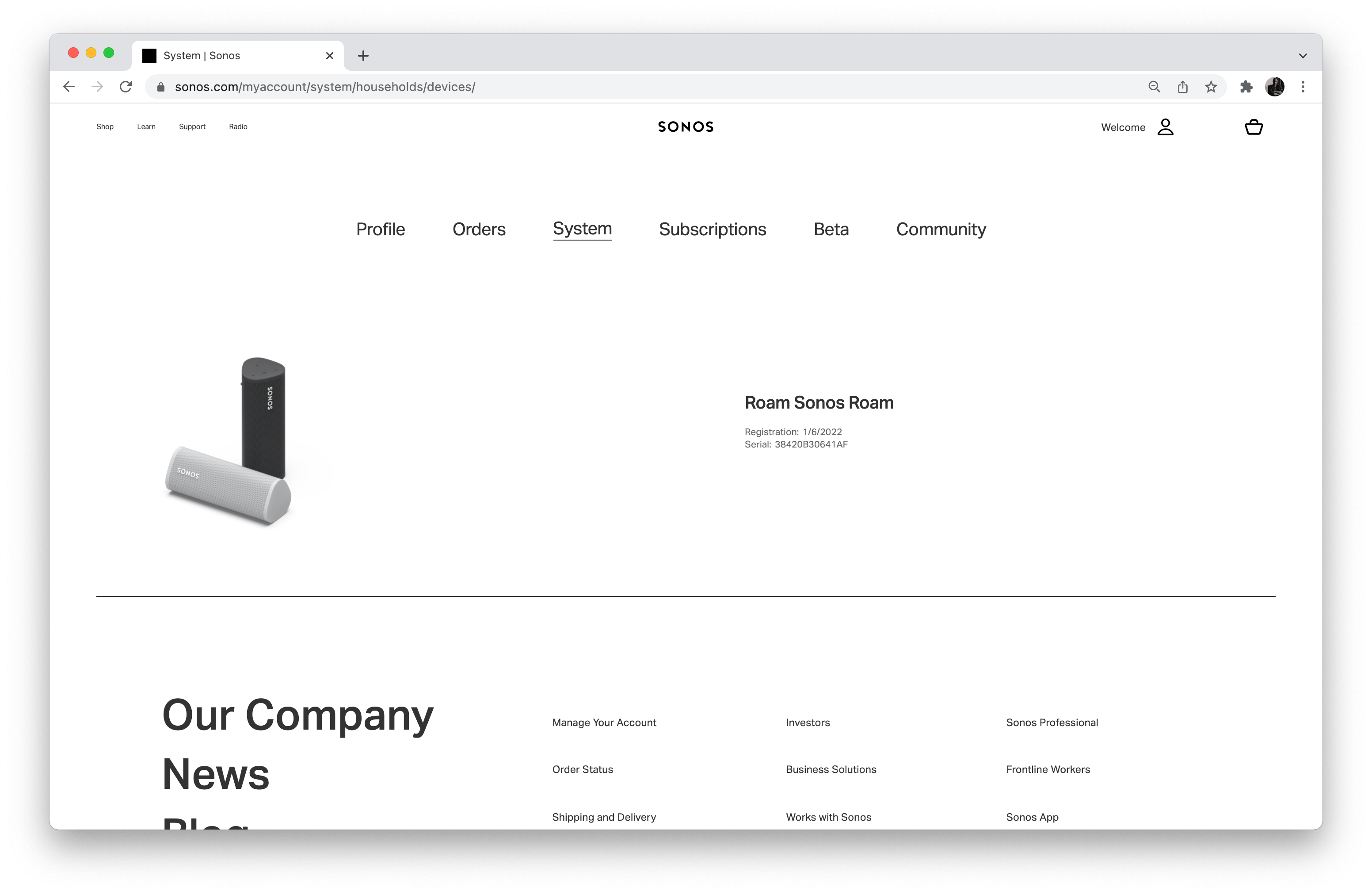
Here’s what Im seeing from Spotify, and my Sonos account with only 1 device present:


Thanks!


Gio

This topic has been closed for further comments. You can use the search bar to find a similar topic, or create a new one by clicking Create Topic at the top of the page.
Airgetlam
AirgetlamAnswer
Jan 30, 2022 11:07 PM UTC

It would be a relatively simple network discovery process, I’m not aware that either Sonos or Spotify would enable you to ‘edit’ the results. However, since Spotify owns that software, you may get a better answer if you were to ask them, since Sonos in this case is only responding to a request. 

Bruce

3 replies

Ken_Griffiths
Jan 30, 2022 7:22 PM UTC

I believe the Spotify service will find all the devices (of varying brands) on the local network subnet. To stop that happening, perhaps simply add your own router and create your own local network subnet. That’s seems to me to be the easiest way to resolve your issue. 

Translate
Airgetlam
AirgetlamAnswer
Jan 30, 2022 11:07 PM UTC

It would be a relatively simple network discovery process, I’m not aware that either Sonos or Spotify would enable you to ‘edit’ the results. However, since Spotify owns that software, you may get a better answer if you were to ask them, since Sonos in this case is only responding to a request. 

Translate
Bruce
gio46Author
Contributor I
Jan 31, 2022 12:30 AM UTC

Great, thanks all for the answers!

Translate