Answered
How to use a Folder for Alarm Music
I used to be able to use a Folder in my music library as a source for my Alarm music, but that is no longer an option. I am using Sonos Generation 1. Any insights are appreciated.
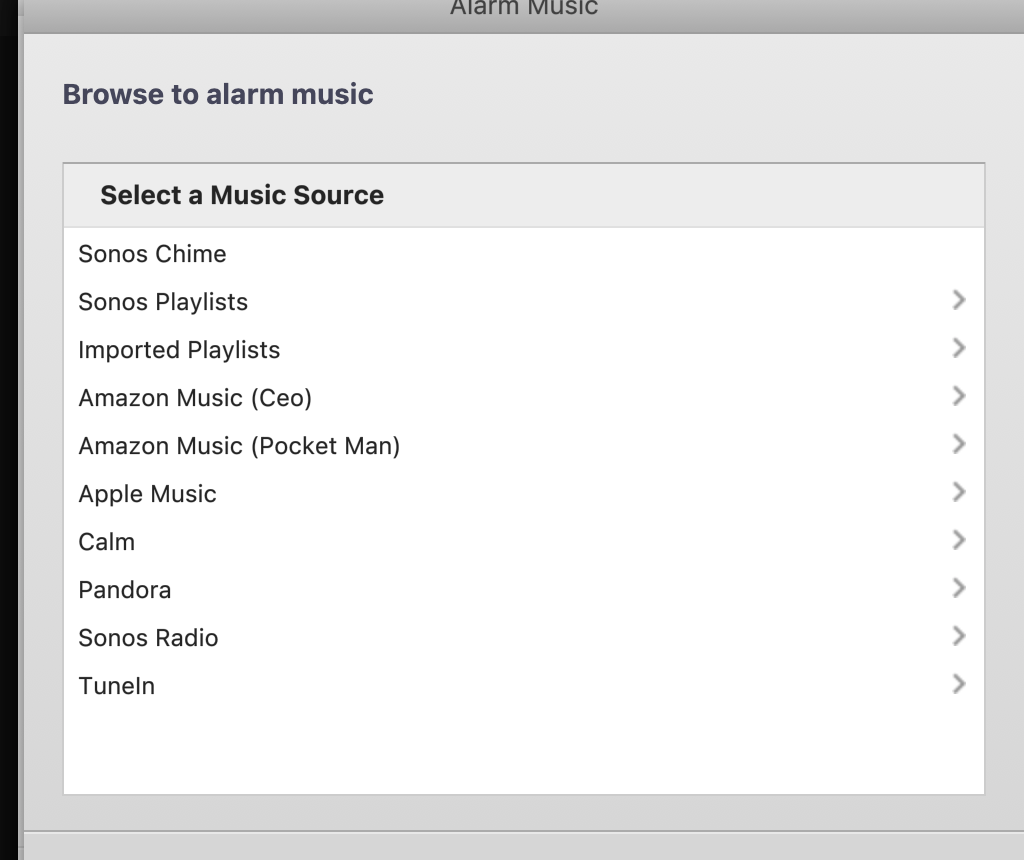

I used to be able to use a Folder in my music library as a source for my Alarm music, but that is no longer an option. I am using Sonos Generation 1. Any insights are appreciated.
Hi
Welcome to the Sonos Community!
As mentioned on our Set an alarm on Sonos help page, Music Library tracks must be added to a playlist, and the playlist can then be set as the alarm. Tracks cannot be directly set as the alarm tone.
As I happen to also have my music library on Plex, and have Plex added to Sonos, I am able to bypass this restriction (though I can only select an Album, Playlist or Artist, not a specific Track).
I hope this helps.
Enter your E-mail address. We'll send you an e-mail with instructions to reset your password.