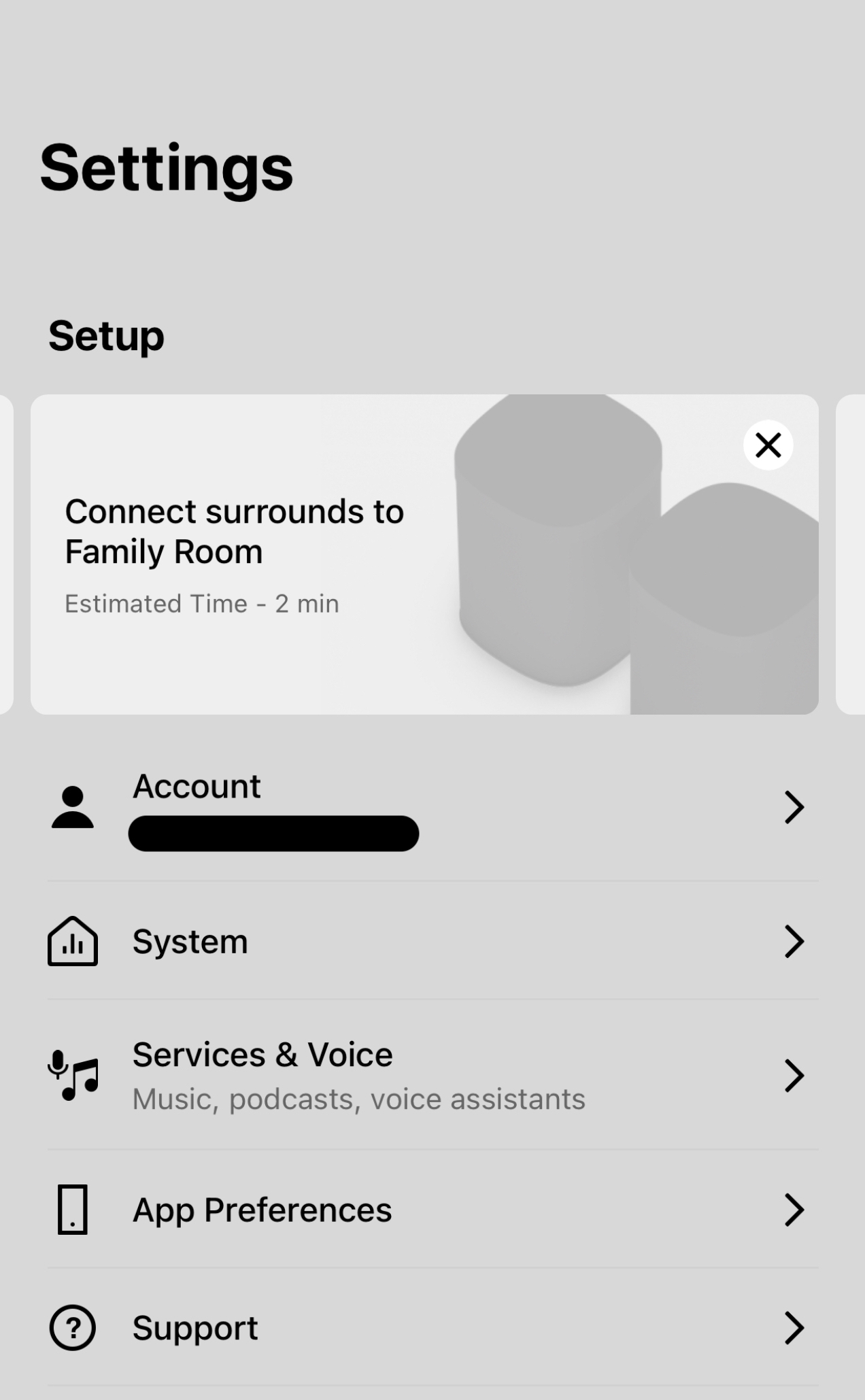
How to get rid of setup cards in settings for iOS app?
How do you get rid of the stinking setup cards in settings for the iOS Sonos app? These pop up every time I open the Sonos app, and it doesn’t matter how many times I tap the “X” to close all of them. I don’t have surrounds to connect in the three rooms it keeps popping up for, I don’t want to add a voice assistant, I don’t want to try Sonos Radio HD, etc… I close them all, then they all pop up again the next time I go into settings. What gives? I looked through all the settings and couldn’t find anything about turning off these suggestions for things I don’t have or don’t want to try.