Contributor I
July 6, 2024
Answered

Deezer - Won't Play Custom Playlists Or Top Tracks & Service Won't Show

  • July 6, 2024
  • 18 replies
  • 652 views

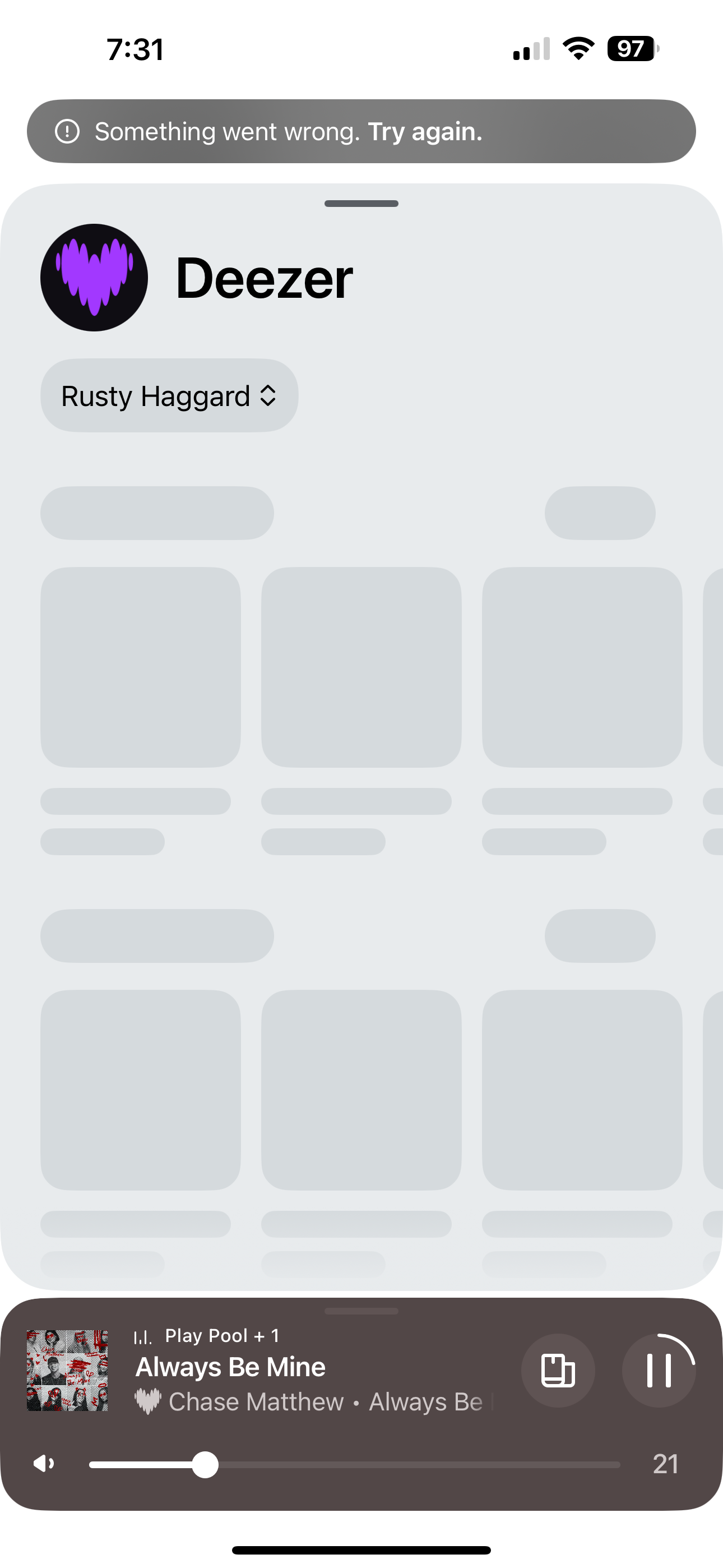
In the new app when attempting to play one of my custom made playlists using Deezer, the music refuses to play. If trying to shuffle the playlist the play symbol will just show the spinning loading wheel.

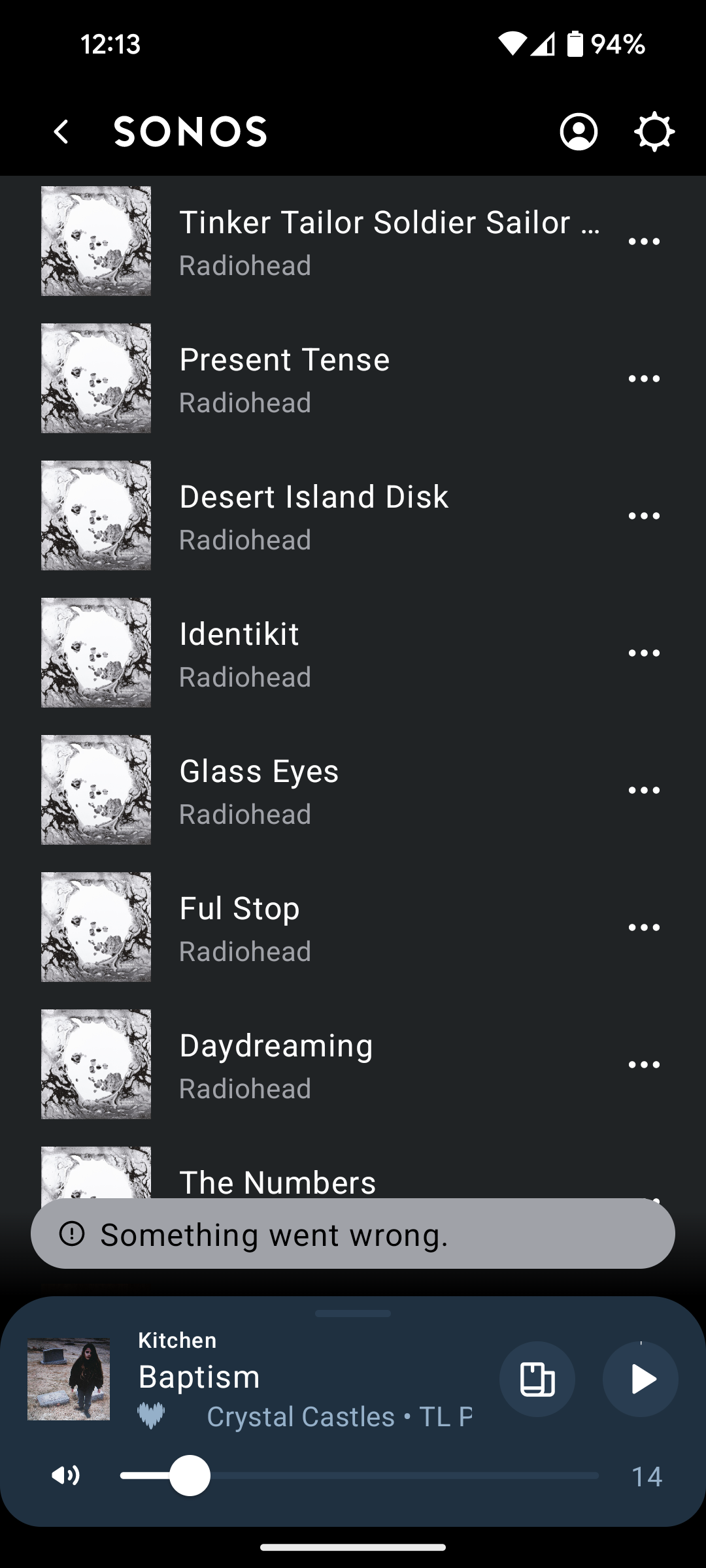
If attempting to play an individual song within the playlist it just says ‘something went wrong’. It also shows this ‘something went wrong’ error when trying to enter the Deezer service within the Sonos app. Using the old app on my tablet it has a similar issue, saying ‘cannot add song to queue - 701’. Have added a screenshot below of the error message.

You can find artists within Deezer using the Sonos search bar. It will allow you to play artist mixes, but if you try to find artist top tracks, it will show the same ‘something went wrong’ message.

I have already tried deleting Deezer and re-adding the service, and have rebooted my router and reset all my speakers by unplugging and re-plugging in. 

This is a major issue as my Deezer playlists constitute most of my listening on the Sonos system. 
 

This topic has been closed for further comments. You can use the search bar to find a similar topic, or create a new one by clicking Create Topic at the top of the page.
Best answer by Rhaggard

I have read that some with family accounts are also having an issue. My wife can see and browse on SONOS, but the primary account holder has an issue. This needs to be resolved as stated above. I have done all the things, log in log out reauthorize etc, the only way to use my Deezer account right now is the https://play.sonos.com web site. It takes about 10 seconds to load.

The SONOS app will not display the Deezer content.

Please, SONOS, fix this. I thought Deezer and SONOS were joined at the hip!


18 replies

tl250Author
Contributor I
July 9, 2024

As an update, my Sonos app now appears to be able to open the Deezer service and display artists, playlists etc.

It has also started playing my custom playlists. However, it will play the first few seconds of a song and then skip to the next with no provocation, steadfastly refusing to play a song in it's entirely. Attempting to shuffle the playlist sends it even more haywire..

Appears as though a bodge job fix has been attempted but without success.

RhaggardAnswer
Contributor I
July 10, 2024

I have read that some with family accounts are also having an issue. My wife can see and browse on SONOS, but the primary account holder has an issue. This needs to be resolved as stated above. I have done all the things, log in log out reauthorize etc, the only way to use my Deezer account right now is the https://play.sonos.com web site. It takes about 10 seconds to load.

The SONOS app will not display the Deezer content.

Please, SONOS, fix this. I thought Deezer and SONOS were joined at the hip!


tl250Author
Contributor I
July 10, 2024

Ah, yes I should have clarified at the outset that I am using a family account. 

I have read that some with family accounts are also having an issue. My wife can see and browse on SONOS, but the primary account holder has an issue. This needs to be resolved as stated above. I have done all the things, log in log out reauthorize etc, the only way to use my Deezer account right now is the https://play.sonos.com web site. It takes about 10 seconds to load.

The SONOS app will not display the Deezer content.

Please, SONOS, fix this. I thought Deezer and SONOS were joined at the hip!


Contributor II
July 10, 2024

Mine is only a single account 

Lyricist II
July 10, 2024

Single account user here as well, with the same issue

Contributor I
July 10, 2024

Single account here too. Oddly, everything resolved itself on Sunday. 

tl250Author
Contributor I
July 10, 2024

Update: the issue appears to have been resolved for my app as well. We did it guys! (Hopefully...)

Lyricist II
July 10, 2024

Still happening with me, but only on the favorite tracks (the one correctly ordered newest to oldest added)