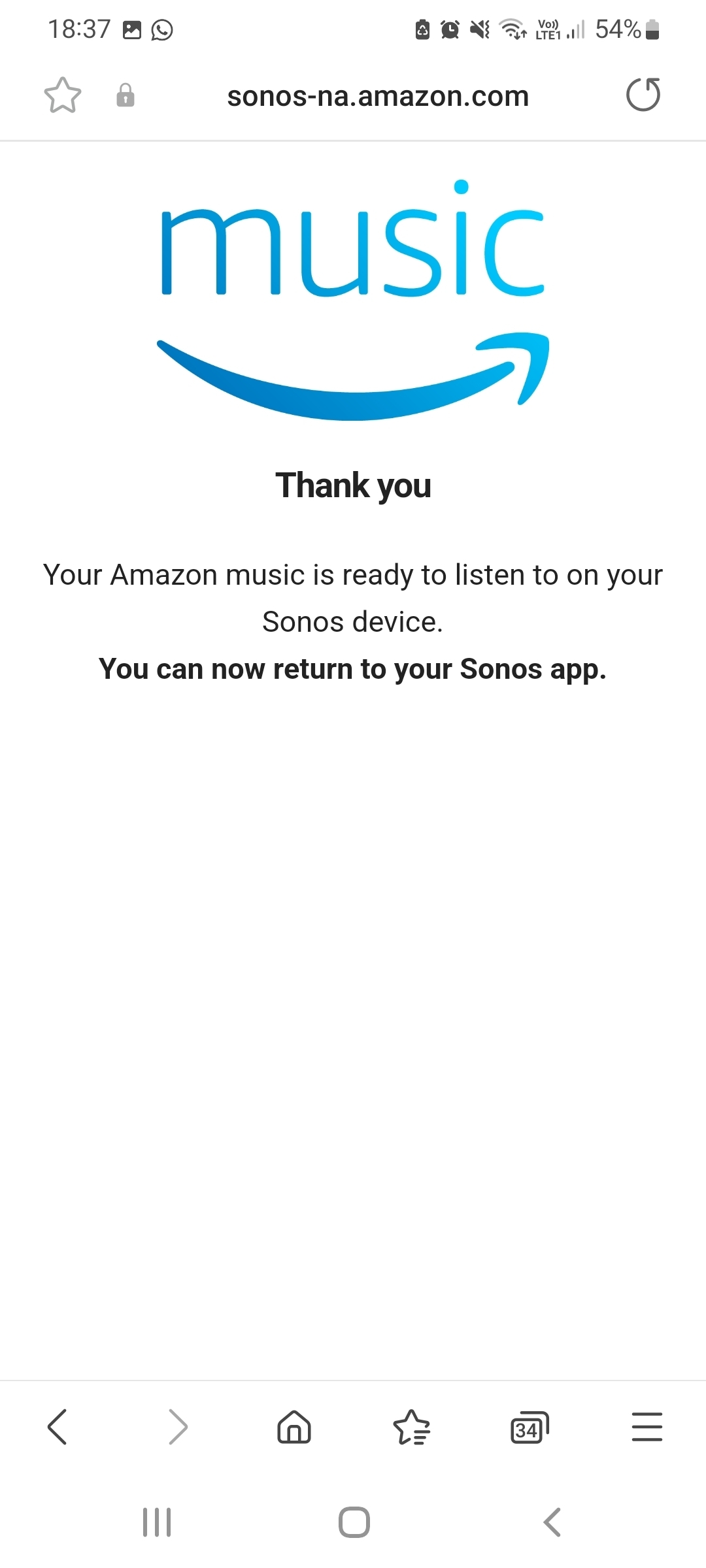
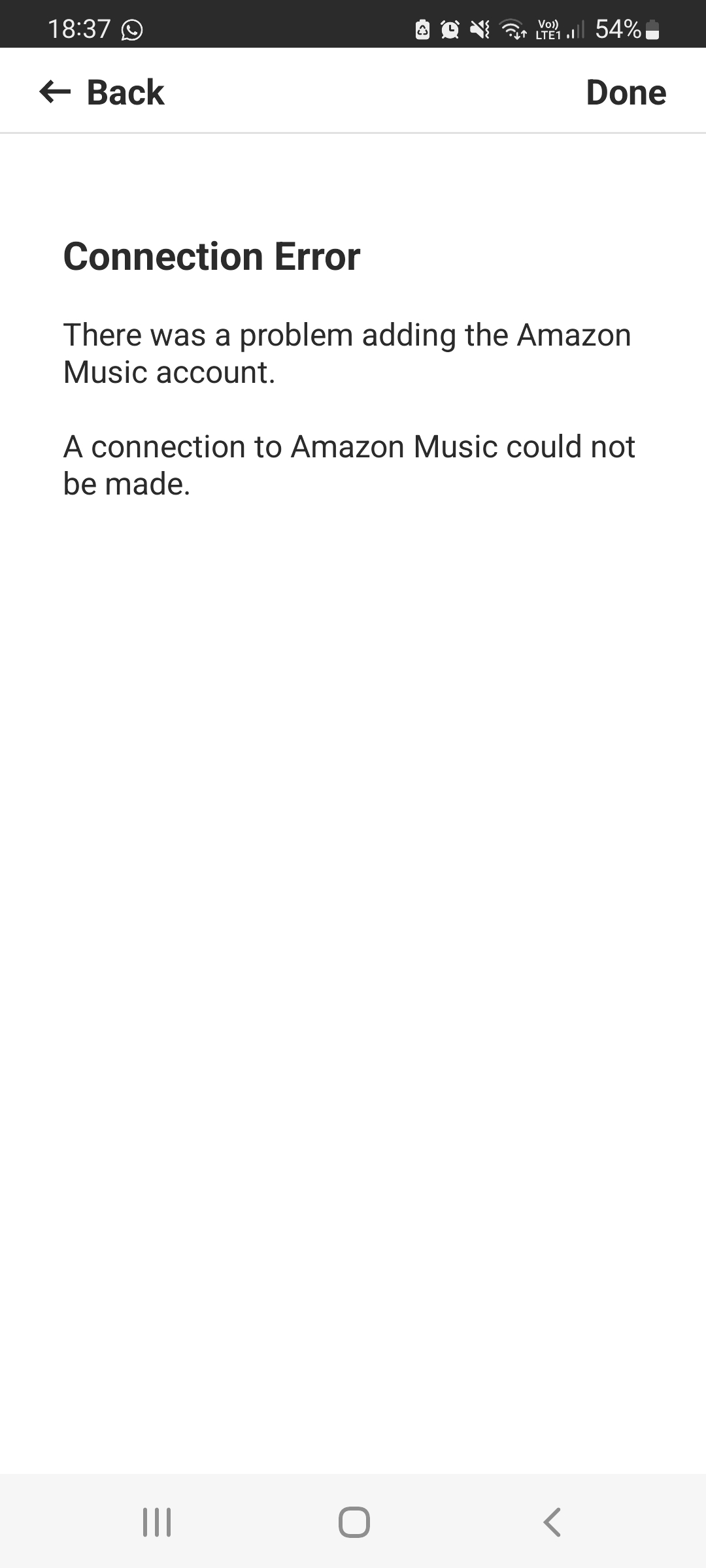
This topic has been closed for further comments. You can use the search bar to find a similar topic, or create a new one by clicking Create Topic at the top of the page.
Corry P
Corry PAnswer
Sonos Staff
Dec 15, 2022 1:13 PM UTC

Hi @judsim 

Welcome to the Sonos Community!

If you still have this issue, I recommend rebooting your router by switching it off for at least 30 seconds. Wait another minute or two after seeing your phone connect to WiFi and try again.

It may also help to try from another smart device, if that’s an option for you.

If it still doesn’t work, I recommend you get in touch with our technical support team, who have tools at their disposal that will allow them to give you advice specific to your Sonos system and what it reports.

I hope this helps.

"Common sense is the collection of prejudices acquired by age eighteen." - Albert Einstein

4 replies

Ken_Griffiths
Dec 11, 2022 12:03 PM UTC

Three quick things to check…

  • Ensure your controller ‘mobile’ device meets the system requirements shown here:

https://support.sonos.com/en-us/article/sonos-app-requirements

  • Maybe check your online Sonos profile and ensure your Country settings are correctly in place and that the service on Sonos is available where you are. Go here to check your country setting:

https://www.sonos.com/myaccount/user/profile/

  • Also try signing out/in within the native Amazon Alexa App on the mobile controller device.
Translate
judsimAuthor
Contributor I
Dec 11, 2022 7:33 PM UTC

Hi - thanks, checked all that, none of that works. As a first time Sonos owner, I've got to say the inability to do something as simple as add Amazon or Spotify music (same failure) to the Sonos app without ringing thier support is a massive fail from Sonos.

Translate
Ken_Griffiths
Dec 11, 2022 8:28 PM UTC

Hi - thanks, checked all that, none of that works. As a first time Sonos owner, I've got to say the inability to do something as simple as add Amazon or Spotify music (same failure) to the Sonos app without ringing thier support is a massive fail from Sonos.

I use Amazon Music Unlimited, but only use the Spotify Free version and both work okay here, maybe it’s something local to you? Perhaps try a different DNS server and see if that resolves the issue.

Translate
Corry P
Corry PAnswer
Sonos Staff
Dec 15, 2022 1:13 PM UTC

Hi @judsim 

Welcome to the Sonos Community!

If you still have this issue, I recommend rebooting your router by switching it off for at least 30 seconds. Wait another minute or two after seeing your phone connect to WiFi and try again.

It may also help to try from another smart device, if that’s an option for you.

If it still doesn’t work, I recommend you get in touch with our technical support team, who have tools at their disposal that will allow them to give you advice specific to your Sonos system and what it reports.

I hope this helps.

Translate
"Common sense is the collection of prejudices acquired by age eighteen." - Albert Einstein