
Contributor I
December 18, 2020

Unable to connect to new router

  • December 18, 2020
  • 6 replies
  • 156 views

Unable to connect sonos 2 speakers to new router. I have looked through previous related topic which haven’t resolved the issue.

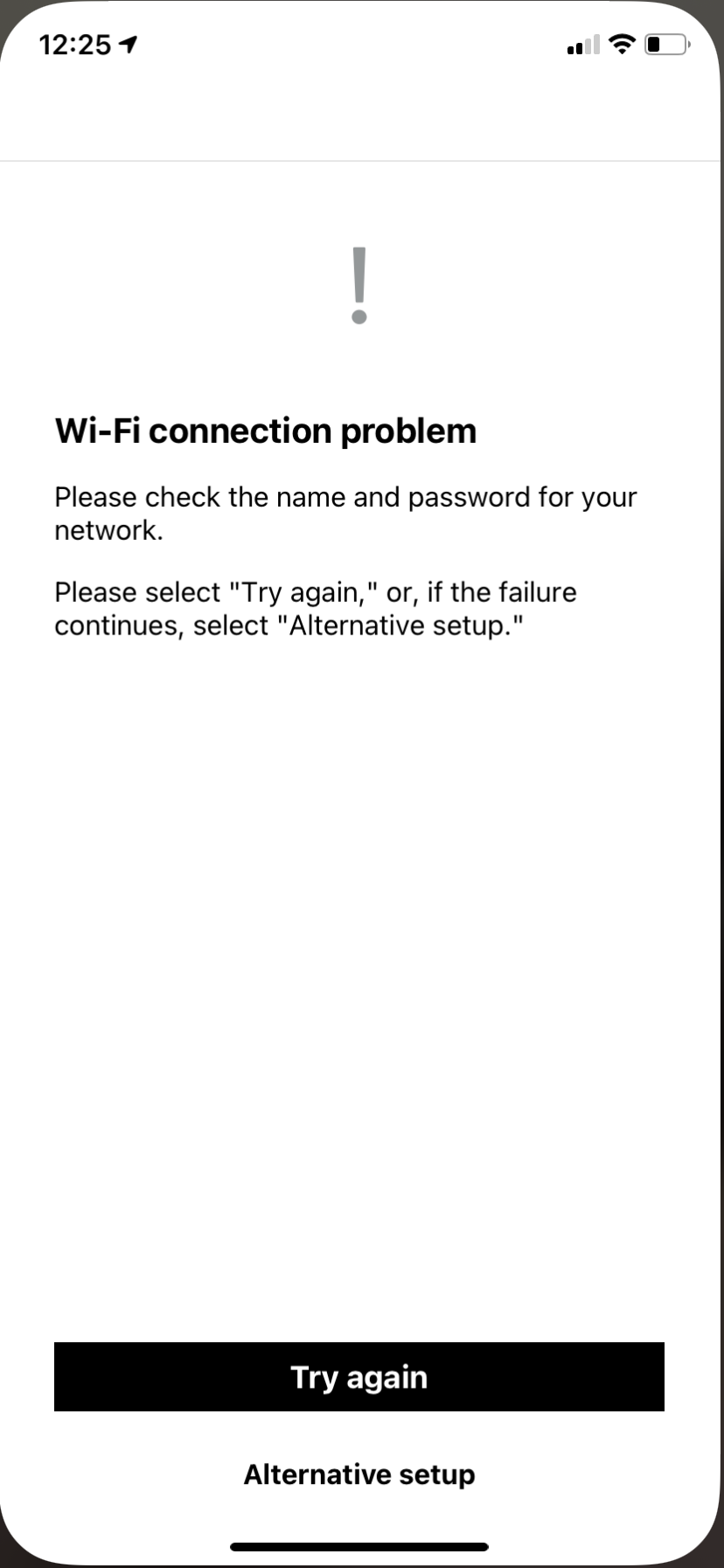
I have set one up using the Ethernet cable, all 3 of my speakers work fine. Tried to set up the wireless connection, the app finds new network, lets me put in the new pass key, then it won’t connect. I just keep getting this message. Can anyone advise?
 

This topic has been closed for further comments. You can use the search bar to find a similar topic, or create a new one by clicking Create Topic at the top of the page.

6 replies

December 18, 2020

Hi.  When you say ‘tried to set up the wireless connection’ can you please say exactly what you did?

December 18, 2020

Also, is your router dual band and do you have separate SSIDs for the two bands?

What is the make and model of router?

Contributor I
December 18, 2020

On the app I went system-network-wireless set up. I really have no idea about bands, only that it’s a new bt router if that helps? 

December 18, 2020

I vaguely recall that BT routers have - or at least had - a setting called wireless mode. It could be 1, 2 or 3. 

If you can find that setting and change it, it may help. I think there could be problems when it was set to 1.

December 18, 2020

Further to my previous post, here is some more info about this.

https://www.bt.com/help/broadband/what-is-the-wireless-mode-feature-on-my-bt-smart-hub-

Of course, your problem may be unrelated to this.

It may also help if you just power the router off and on again.

Contributor I
December 19, 2020

Thank you very much.

Followed those instructions and all is now working as it should.
Cheers!