
Contributor I
Dec 18, 2020 12:29 PM UTC

Unable to connect to new router

Unable to connect sonos 2 speakers to new router. I have looked through previous related topic which haven’t resolved the issue.

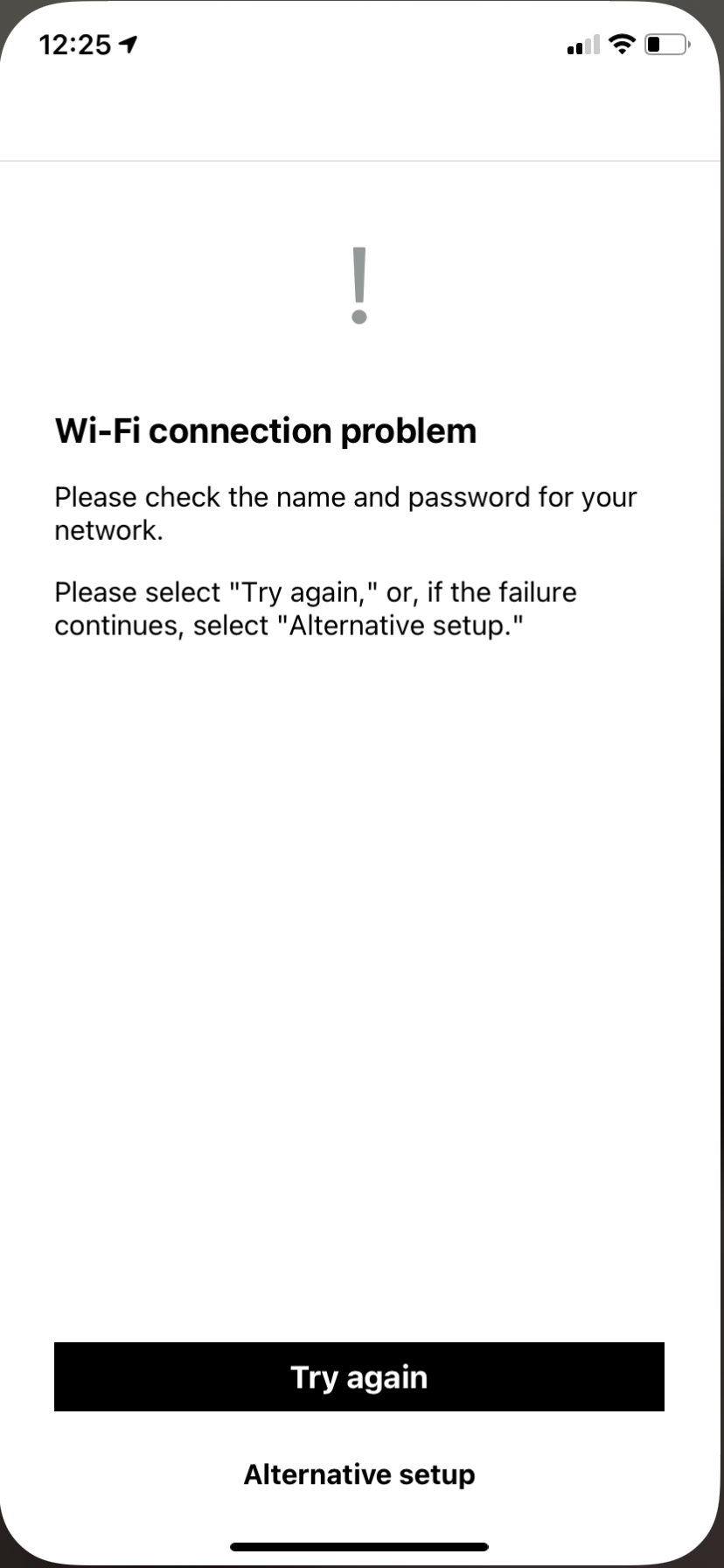
I have set one up using the Ethernet cable, all 3 of my speakers work fine. Tried to set up the wireless connection, the app finds new network, lets me put in the new pass key, then it won’t connect. I just keep getting this message. Can anyone advise?
 

This topic has been closed for further comments. You can use the search bar to find a similar topic, or create a new one by clicking Create Topic at the top of the page.

6 replies

Dec 18, 2020 12:33 PM UTC

Hi.  When you say ‘tried to set up the wireless connection’ can you please say exactly what you did?

Translate
Dec 18, 2020 12:36 PM UTC

Also, is your router dual band and do you have separate SSIDs for the two bands?

What is the make and model of router?

Translate
Contributor I
Dec 18, 2020 1:43 PM UTC

On the app I went system-network-wireless set up. I really have no idea about bands, only that it’s a new bt router if that helps? 

Translate
Dec 18, 2020 8:45 PM UTC

I vaguely recall that BT routers have - or at least had - a setting called wireless mode. It could be 1, 2 or 3. 

If you can find that setting and change it, it may help. I think there could be problems when it was set to 1.

Translate
Dec 18, 2020 8:52 PM UTC

Further to my previous post, here is some more info about this.

https://www.bt.com/help/broadband/what-is-the-wireless-mode-feature-on-my-bt-smart-hub-

Of course, your problem may be unrelated to this.

It may also help if you just power the router off and on again.

Translate
Contributor I
Dec 19, 2020 12:16 PM UTC

Thank you very much.

Followed those instructions and all is now working as it should.
Cheers!

Translate