Chromatic Producer I
April 6, 2022
Answered

Problem connecting with WiFi

  • April 6, 2022
  • 20 replies
  • 524 views

I have had an intermittent WiFi connection problem ever since I set my Sonos system up a few months ago.


It mostly happens when I want to play Amazon Music.


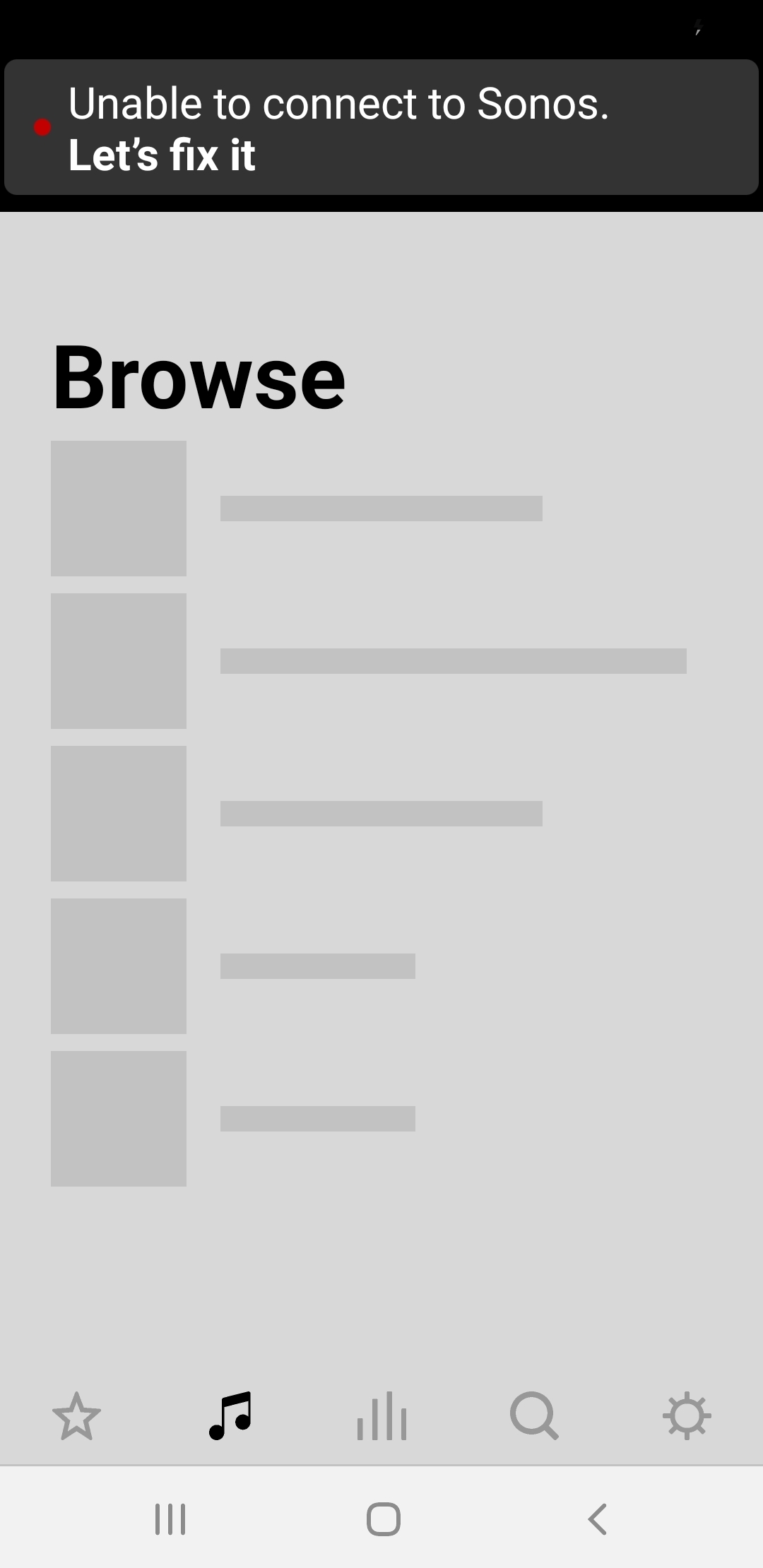
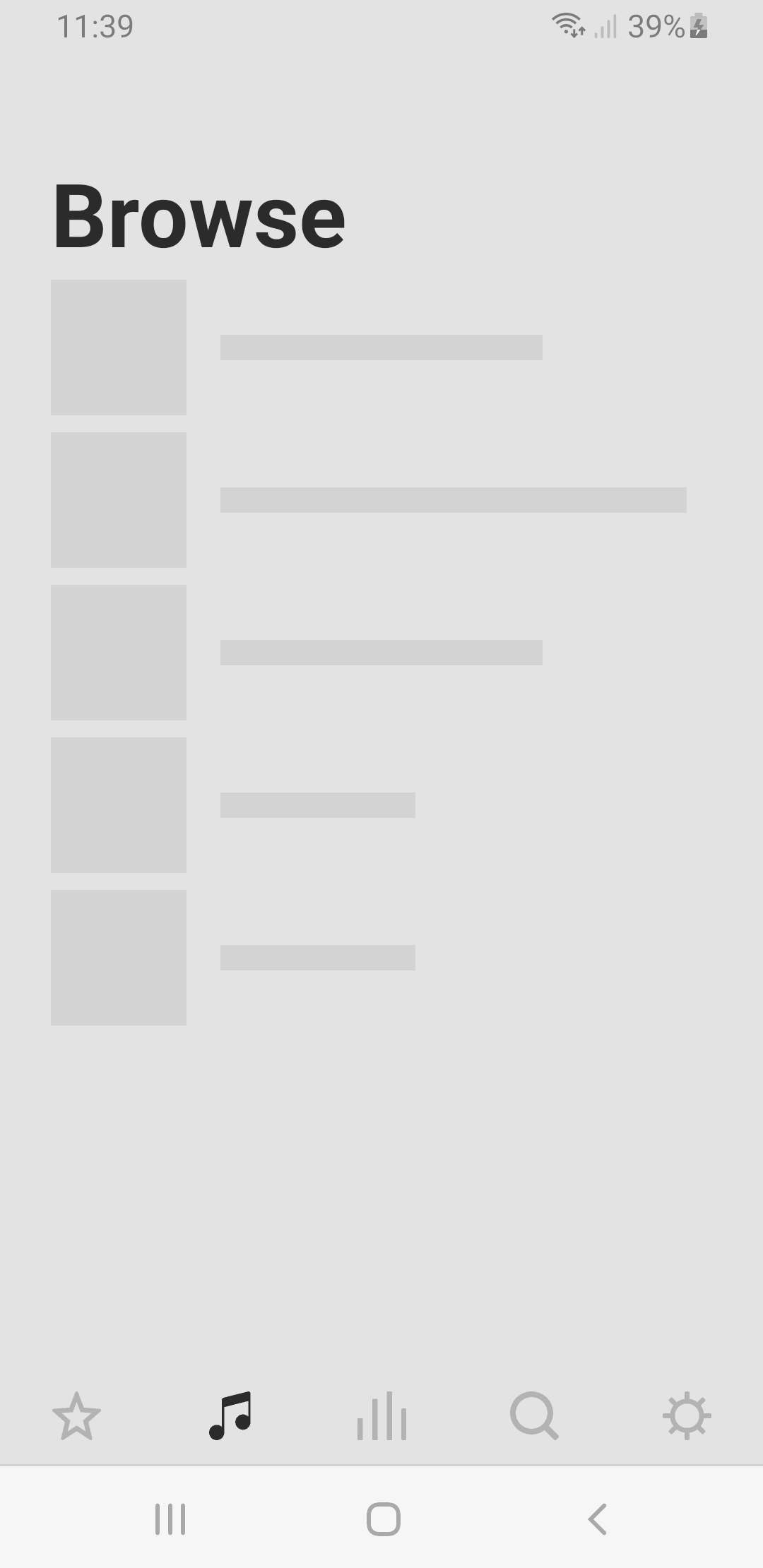
Below are 3 screenshots.

What usually happens is I get the middle screen first then it goes to the top one with the error message then a few seconds later I get the usual screen at the bottom.


I hasten to say that my internet connection/WiFi is all working at the time it happens.


I have a Sky dual-band router so I am wondering if it is anything to do with the 5 Ghz channel as I have read that Sonos only uses the 2.4 Ghz band?


It's not that much of a problem as it tends to sort itself out after say a minute or so but it is nevertheless annoying!


This topic has been closed for further comments. You can use the search bar to find a similar topic, or create a new one by clicking Create Topic at the top of the page.
Best answer by Mr. T

Do you also have a Sky Q box?

If so, then see the Sky Q section under this link to disable the 2.4GHz band on Sky Q


20 replies

MikeE67Author
Chromatic Producer I
April 8, 2022

@Mr. T - My Arc is connected via WiFi because I don't have any spare ports on my router which is a shame.

I will disconnect the ethernet cable from the back of the TV and connect it to the Arc instead.

I rarely use it anyway only for TV updates.


EDIT: I should have used an ethernet connection to the Arc in the first place!

It loads faster than ever before on WiFi!

I have also enabled the 2.4 Ghz band on my Sky Q box as it doesn't need to be disabled now.

I have read in a Sonos article that the (wired) Arc now acts as a pseudo router and the Sub and 2 surround speakers now connect to the Arc instead of the router.

Strange that 🤔 

Mr. T
April 8, 2022

@Mr. T - My Arc is connected via WiFi because I don't have any spare ports on my router which is a shame.

I will disconnect the ethernet cable from the back of the TV and connect it to the Arc instead.

I rarely use it anyway only for TV updates.


EDIT: I should have used an ethernet connection to the Arc in the first place!

It loads faster than ever before on WiFi!

I have also enabled the 2.4 Ghz band on my Sky Q box as it doesn't need to be disabled now.

I have read in a Sonos article that the (wired) Arc now acts as a pseudo router and the Sub and 2 surround speakers now connect to the Arc instead of the router.

Strange that 🤔 


You could buy an Ethernet switch to allow for more Ethernet connections if needed.

I use this one from Netgear, which is currently discounted at Amazon:

https://smile.amazon.co.uk/dp/B07PWHGQSS/?coliid=I2SUDBB4E1TTT0&colid=GFPW1QK9NFFF&psc=1&ref_=lv_ov_lig_dp_it

If your Sky Q box is still wired, there’s really no need to enable the 2.4GHz band on it. Having it enabled could cause some interference to Sonos, although you shouldn’t face the initial connection issues you had as Sonos will now connect through SonosNet.

If you don’t own a Roam or Move, you can delete the Sky WiFi credentials from the Sonos app. Go to System > Network > Manage Network

The Soundbar is always the master device in a home theatre setup, with the surrounds and sub slaves to the master.


MikeE67Author
Chromatic Producer I
April 8, 2022

@Mr. T - Thanks, you have been very helpful.

I did what you suggested and turned the 2.4 Ghz channel off on Sky Q but decided to leave the 5 Ghz enabled as the Arc doesn't use it anyway so no interference issues.

I will leave buying the ethernet switch for now as everything is working okay, in fact much faster than I have ever had it since installation 2 months ago as prior to today the Arc has always been WiFi enabled.

It appears that the 2 surround speakers and sub don't seem to have a problem being connected to WiFi.

As I don't have a Roam or Move speaker, I also deleted the WiFi credentials as you advised.

Cheers 🍻 

MikeE67Author
Chromatic Producer I
April 8, 2022

@Mr. T - Sorry to bother you again but when deleting my WiFi credentials I noticed the following on the SonosNet page:


I assume these channels are nothing to do with WiFi and I don't need to change the channels?

Mr. T
April 8, 2022

@Mr. T - Thanks, you have been very helpful.

I did what you suggested and turned the 2.4 Ghz channel off on Sky Q but decided to leave the 5 Ghz enabled as the Arc doesn't use it anyway so no interference issues.

I will leave buying the ethernet switch for now as everything is working okay, in fact much faster than I have ever had it since installation 2 months ago as prior to today the Arc has always been WiFi enabled.

It appears that the 2 surround speakers and sub don't seem to have a problem being connected to WiFi.

As I don't have a Roam or Move speaker, I also deleted the WiFi credentials as you advised.

Cheers 🍻 


Technically, the Arc uses its own 5GHz network to connect with the sub and surrounds, so the Sky Q box broadcasting a 5GHz band could cause some interference with those connections. Just something to keep in mind if you do encounter any future problems with the sub and/or surrounds. Although if you have any Sky mini boxes in other rooms, keep the 5GHz on the Sky Q box enabled so it can communicate with them.
The surrounds and sub will now be connected through the wired Arc using the home theatre 5GHz connection I just mentioned.

MikeE67Author
Chromatic Producer I
April 8, 2022

@Mr. T - I don't have any mini boxes so I have also disabled the 5 gHz channel on Sky Q (for good this time!)


So to clarify, the Arc only uses the 2.4 GHz channel to connect with the router and uses the 5 GHz channel to connect to the sub and speakers then.

Probably because as I understand it, not only is the 5 GHz channel faster but more importantly less susceptible to interference as most devices tend to use the older 2.4 Ghz channel.

In conclusion, I don't know why I didn't use ethernet for the Arc in the first place duh! 🤗

Mr. T
April 8, 2022

@Mr. T - Sorry to bother you again but when deleting my WiFi credentials I noticed the following on the SonosNet page:


I assume these channels are nothing to do with WiFi and I don't need to change the channels?


Ideally, you don’t want your Sky router broadcasting on the same 2.4GHz channel as SonosNet.

In your Sky router settings, you should be able to set a fixed channel for the 2.4GHz band (select either 1,6 or 11)

In your pic from yesterday, it was showing as Channel 11 (I’m not sure if this is fixed to channel 11 or automatically selects the best channel)

As SonosNet is on Channel 1, SonosNet and your Sky 2.4GHz channel are not currently conflicting.


Mr. T
April 8, 2022

@Mr. T - I don't have any mini boxes so I have also disabled the 5 gHz channel on Sky Q (for good this time!)


I don't know why I didn't use ethernet for the Arc in the first place duh! 🤗


I originally had a Playbar and when I purchased that back in 2014, you had to have a wired setup with Sonos. I’ve kept it wired ever since and had minimal connection issues in this time.

Hopefully you can get on with enjoying your system now without having to troubleshoot connection issues!

Cheers, 🍻 

MikeE67Author
Chromatic Producer I
April 8, 2022

@Mr. T - I just checked and my Sky router is still on channel 11 so as you say no interference.

Thanks again.

Mr. T
April 8, 2022

So to clarify, the Arc only uses the 2.4 GHz channel to connect with the router and uses the 5 GHz channel to connect to the sub and speakers then.

Probably because as I understand it, not only is the 5 GHz channel faster but more importantly less susceptible to interference as most devices tend to use the older 2.4 Ghz channel.


Now your Arc is wired, it uses the Ethernet connection to communicate with router and the 5GHz radio to communicate with sub and surrounds, for the reason you describe.