
Contributor I
December 2, 2021

Airplay Glitch When Playing On Mobile Device

  • December 2, 2021
  • 2 replies
  • 264 views

I am hoping some other people have experienced this issue. 


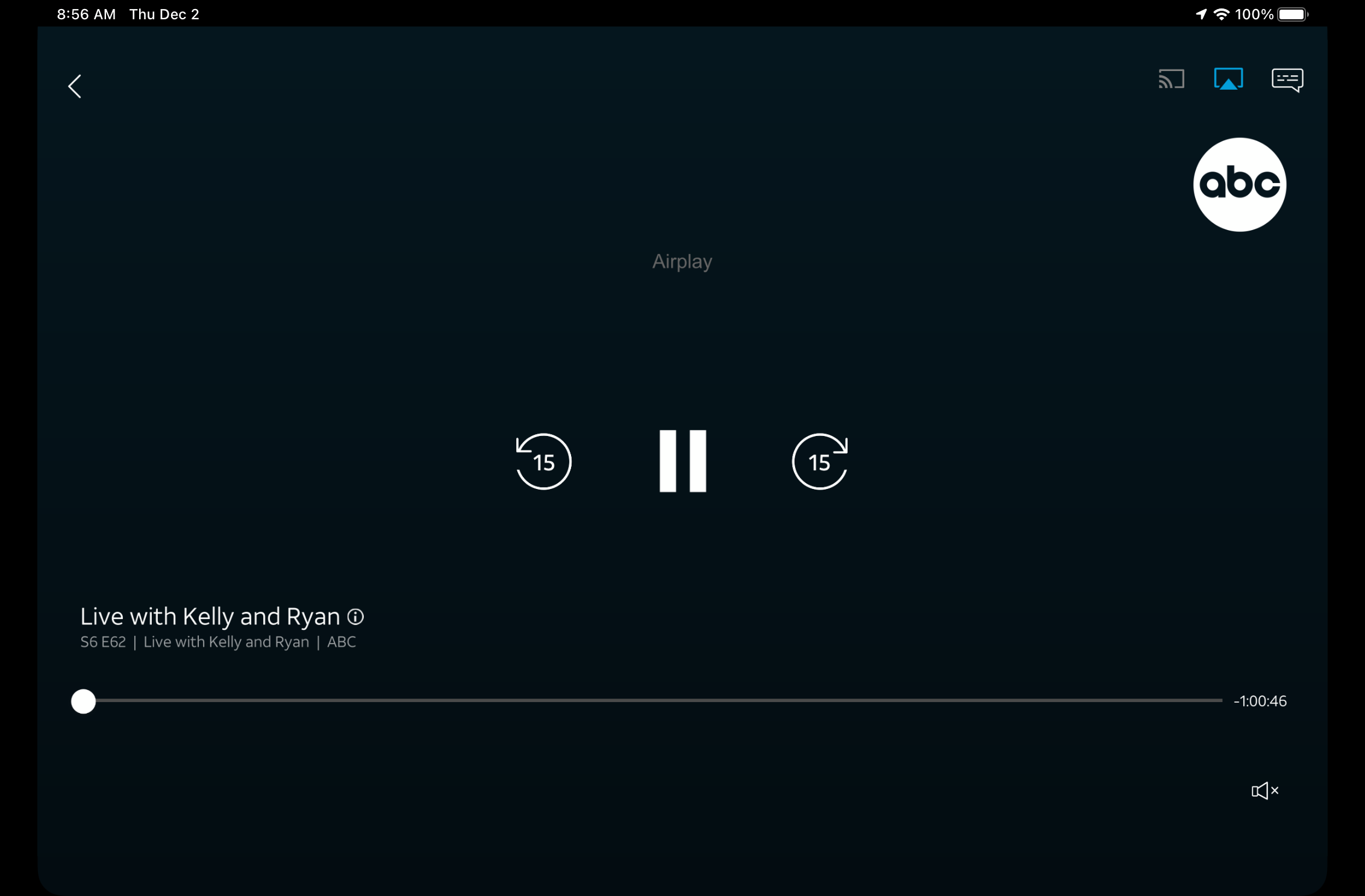
Typically it happens on my iPad (pro, air and mini). If I am watching an app like AT&T TV or Direct TV stream on either device and try to play the sound through any of my sonos speakers the screen will grey out and display “Airplay”. I can hear the sound through my speakers however the video is not displayed on my device. If I switch my “move” or “roam” to bluetooth it will work normal.

It doesn't happen on Netflix or Hulu. But it will happen on HBO Max, Direct TV Stream, Starz, and a few others. 

Has anyone had this problem and found a fix??


This topic has been closed for further comments. You can use the search bar to find a similar topic, or create a new one by clicking Create Topic at the top of the page.

2 replies

James L.
Retired Community Staff
December 3, 2021

Hi @MauriceAtl,


That looks like the app in question is attempting to send a video stream to the Sonos player, hence the reason for the Airplay text in place of the video on your device. 

Since Sonos isn’t a video player, your speakers will accept the audio, but the app doesn’t know that video isn’t being displayed. 

To me, this looks to be app-specific, and is something you should speak to the developers of those apps about.

It won’t happen on Bluetooth, since Bluetooth streaming is typically only an audio stream.


As a test, do you get a different result when selecting your Airplay target from the dropdown shade (swipe down from the top right) instead of from the app, and then starting your show?

Mark good posts by pressing the like button, and select the best answer on questions you've asked to help others find solutions.
Contributor I
December 3, 2021

Thanks! I suspected as much. Yes, same thing occurs when I select from the swipe down.