Answered
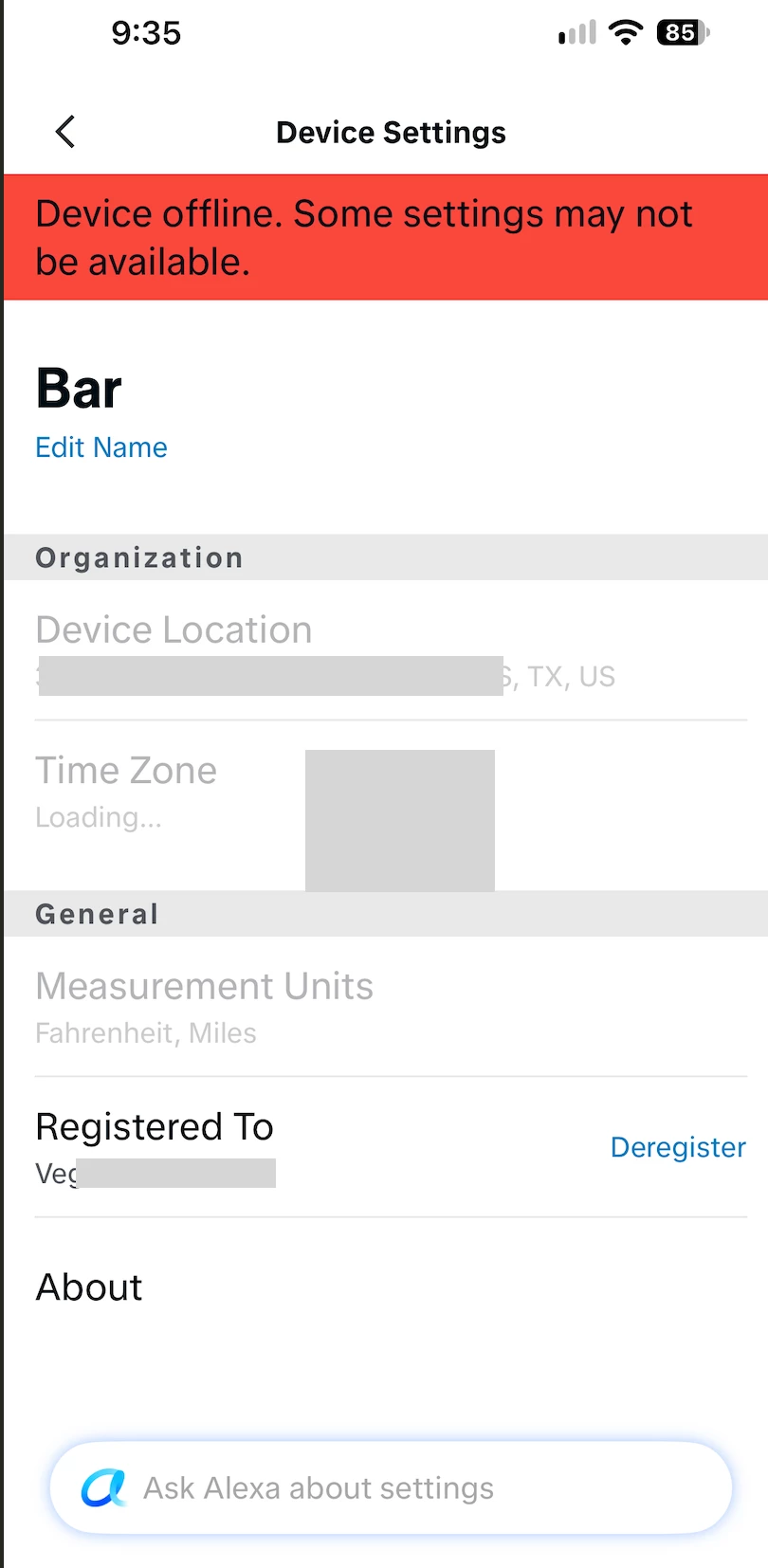
Sonos with Alexa. Device Settings showing Red Banner 'Device Offline' with stale address
I’ve been fighting this for days. Any thoughts appreciated.
- I have 2 places with Sonos groups, 1 of which was a move from Location A to Location B
- Separate Alexa accounts for each group to accommodate the Alexa commands to the Specific Sonos devices for that location
2 interesting findings.
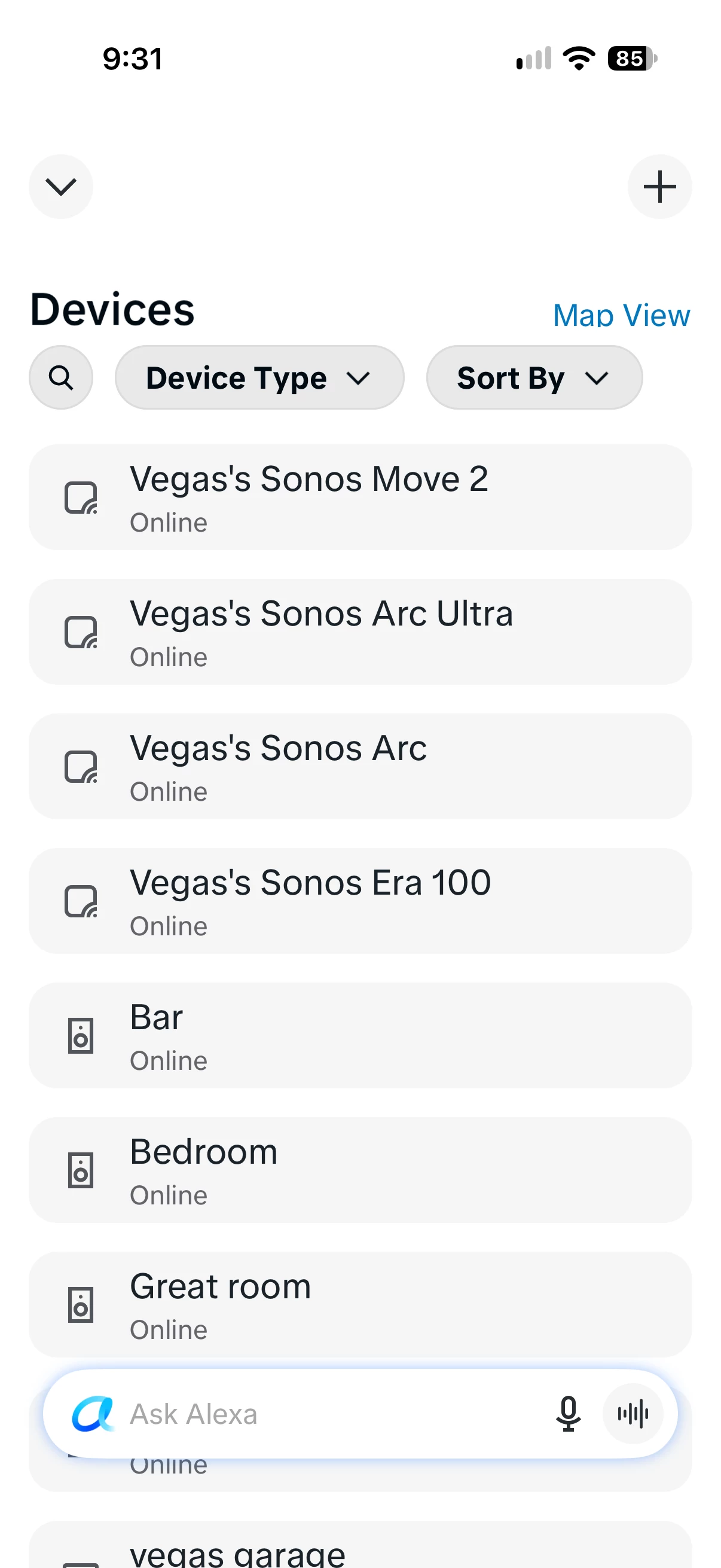
#1. The Sonos devices are listed 2x, once as the Alexa device, and once as the Sonos device. Attachment 1
#2. I cannot get rid of the Red Banner at the top of the Sonos Devices, AND the address is an old Amazon Alexa address, my earlier location. Attachment 2
Troubleshooting:
- I have deregistered on the Alexa app
- Deregistered on the Amazon Store (Devices List)
- The old address doesnt exist anywhere
- Removed and reenabled Skill (Sonos)
- Rebooted device, router
- Contacted Amazon and Sonos support.
I can’t figure it out. Any help would be appreciated.
Attachment 2