
Contributor I
May 22, 2023

alexa on era 100

  • May 22, 2023
  • 5 replies
  • 308 views

hi,

Just set up my era 100 speaker and I am having difficulty with alexa. I have followed this instruction and it does nothing on the sonos app.
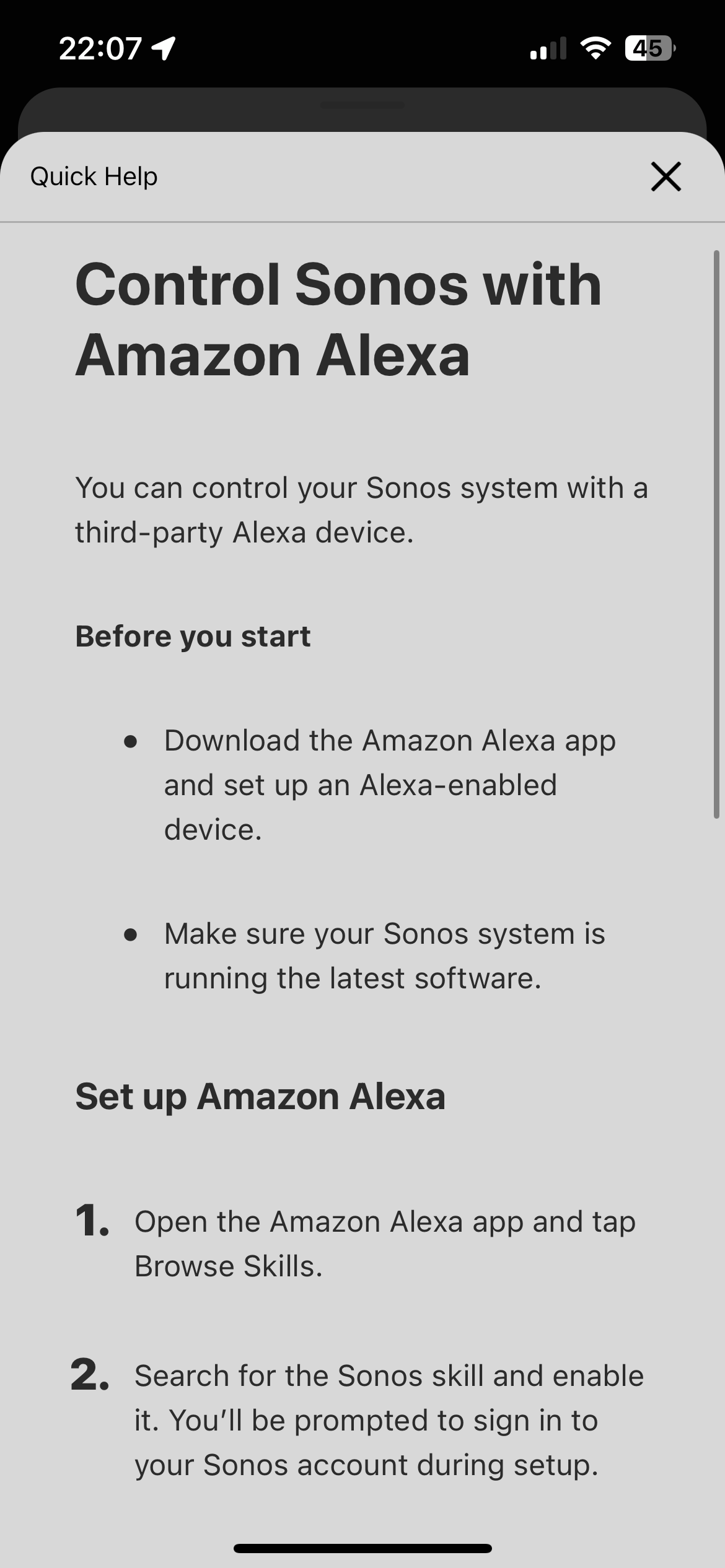
I can see the speaker on the alexa app after setting up the skill.
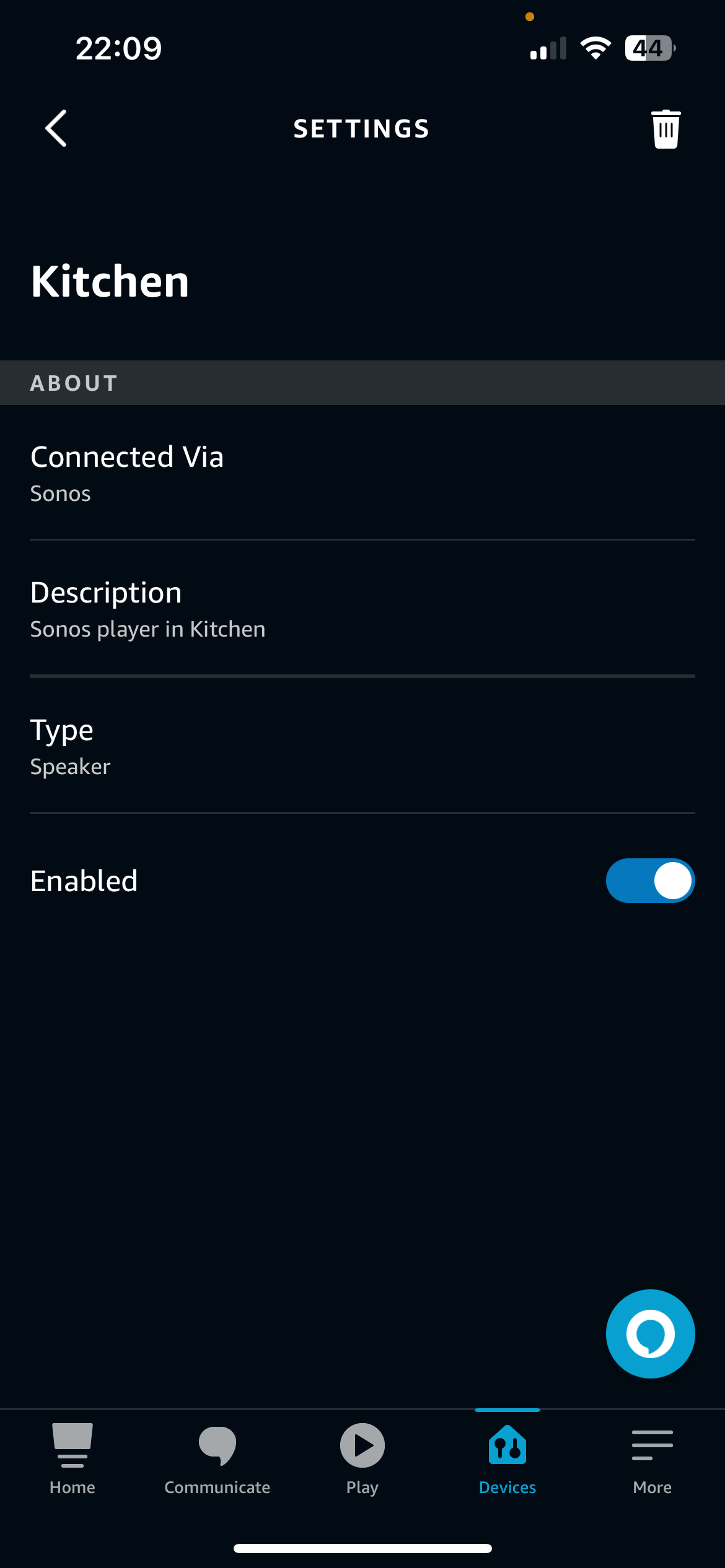
 

Yet the speaker doesn’t listen to alexa commands or appear on the app. I’ve tried customer service and they weren’t very helpful has anyone else had this problem and found a work around? Tempted to return the speaker as it was meant to replace my alexa

This topic has been closed for further comments. You can use the search bar to find a similar topic, or create a new one by clicking Create Topic at the top of the page.

5 replies

Ken_Griffiths
May 22, 2023

It sounds like you haven’t (yet) added the Assistant to your Era speaker. Goto ‘Settings/Services & Voice’ in the S2 App and select to add the Amazon Alexa assistant software to your speaker.

jm2284Author
Contributor I
May 23, 2023

It sounds like you haven’t (yet) added the Assistant to your Era speaker. Goto ‘Settings/Services & Voice’ in the S2 App and select to add the Amazon Alexa assistant software to your speaker.

these are the steps i followed still no luck:


Ken_Griffiths
May 23, 2023

What do you see in the S2 App if you goto ‘Settings/System/[Era-100 Room Name]’ and look under the subsection of ‘Voice’?

UKMedia
May 23, 2023

Can you please check that your location in your Sonos profile is correct - www.sonos.com and also in the Alexa App>Device Settings.

Remember: Sometimes Red Wine helps :)
Ken_Griffiths
May 23, 2023

Your online Sonos user profile is located here @jm2284:

https://www.sonos.com/en/myaccount/user/profile

Also see attached screenshot and check your country setting as @UKMedia rightly suggests.