Sub "disappears" after being connecting to a room
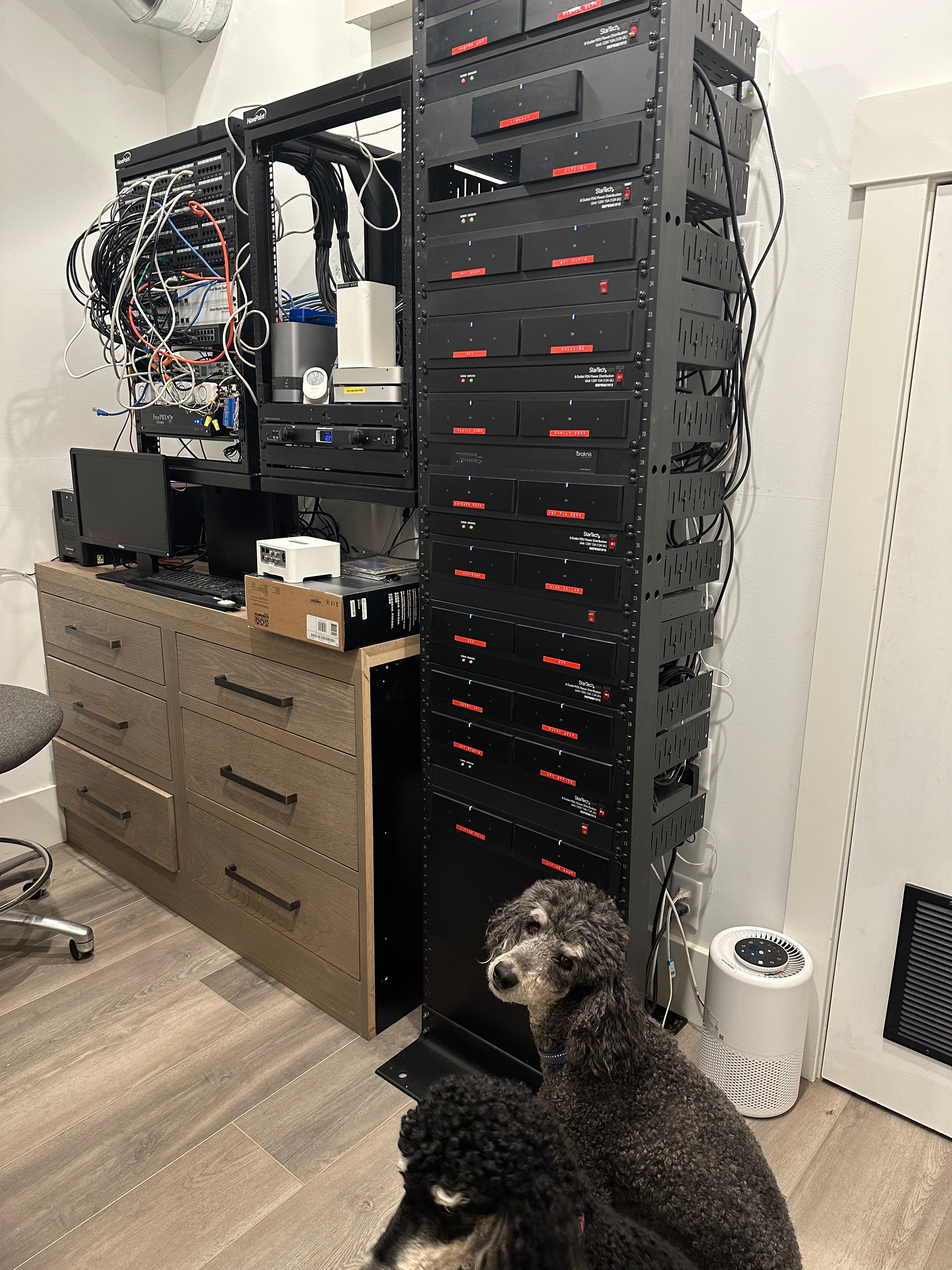
I have a large Sonos S2 installation (22 Amps, several beams, arc, etc). I have an original Sub that was part of a room that has an Arc, and two Ones for LS and RS. It has worked flawlessly for a long time. I recently bought a Sub Mini, and used it to replace the Sub. I’ve been trying to connect the (original) Sub to a different room comprised of two Amps (one for the front speakers, and one for the surrounds). I’ve gotten it to connect, but then it seems to disappear from the system. (ie the room shows up as (LS+RS+?) in the System list and the Sub no longer shows up in “About my system”. If I then power cycle the Sub, it still doesn’t show up. I’ve then done a factory reset on the Sub, and added it back to my system, but again it disappears after being connected to the room. I should perhaps add that It is hit or miss on adding the Sub to the room (I think what’s happening is it gets added, but immediately disappears).
Everything appears to be running the latest and greatest software (Version 14.18 build 70134112) . I’ve power-cycled everything. I’ve factory reset the Sub (more than once as noted above). The Amps are all connected to the same ethernet switch in my server room. The Subs are on wifi, and my wifi infrastructure is quite robust. Everything is, of course, on the same subnet.
I don’t think this is an original Sub issue, as I can do a different experiment and it’s the (new) Sub Mini that disappears. I’m feeling like the sub mini and the Sub aren’t able to coexist on the same system (even though they are on completely separate rooms),
I’m open to thoughts and suggestions as to experiments to try!
Thanks,
Ed