Contributor I
August 5, 2026

After 2.5 years of working flawlessly, my Beam Gen 2 has disconnected from my wifi and will not reconnect.

  • August 5, 2026
  • 19 replies
  • 157 views

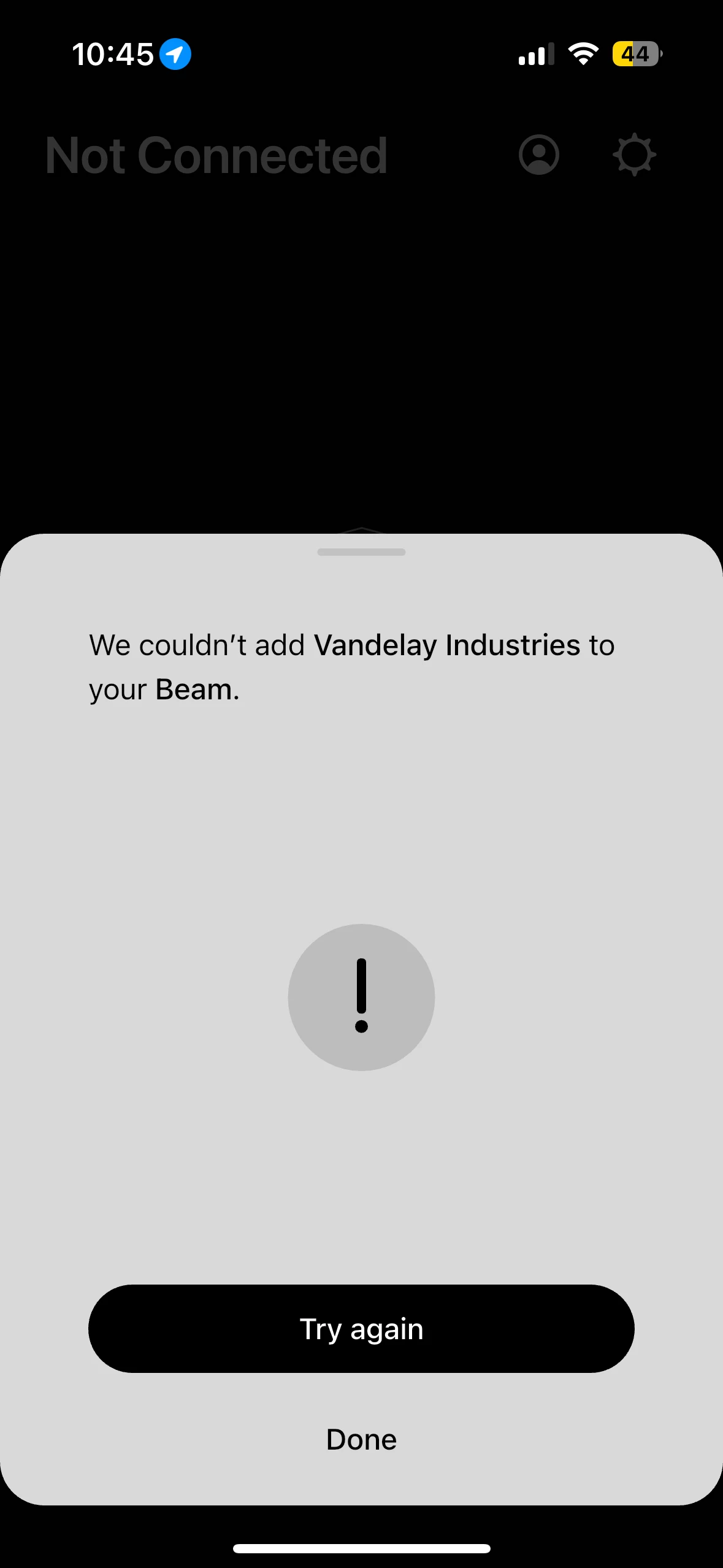
This is so frustrating. Last night, when I said "Alexa, turn off the TV", it failed repeatedly. I checked the app on my iPhone and it showed no products in my system. So I went to re-add my Beam and when I got to the part where I need to input my wifi password, it failed. I rebooted the Beam, I rebooted my Google Wifi router, I reset my Sonos app. Nothing worked. Then I connected an ethernet cable directly to my Beam and that worked. So I went to update my network in the app while connected to ethernet still. Once again when I went to input my password. I got an error saying it couldnt connect. Nothing about my home network has changed, including my password. At this point, I give up. I bought an unmanaged switch to place behind my entertainment center and will just connect the Beam with an ethernet cable. It shouldnt be this hard. 
 

19 replies

Contributor I
August 5, 2026

Buy a friend a pizza and beer and install the controller app on their phone. Maybe an Android using friend?


Haha, I appreciate all your help and thank you for taking the time to respond. 

AjTrek1
August 5, 2026

I read your initial post. Not saying what follows is definitely your issue but I have to ask.

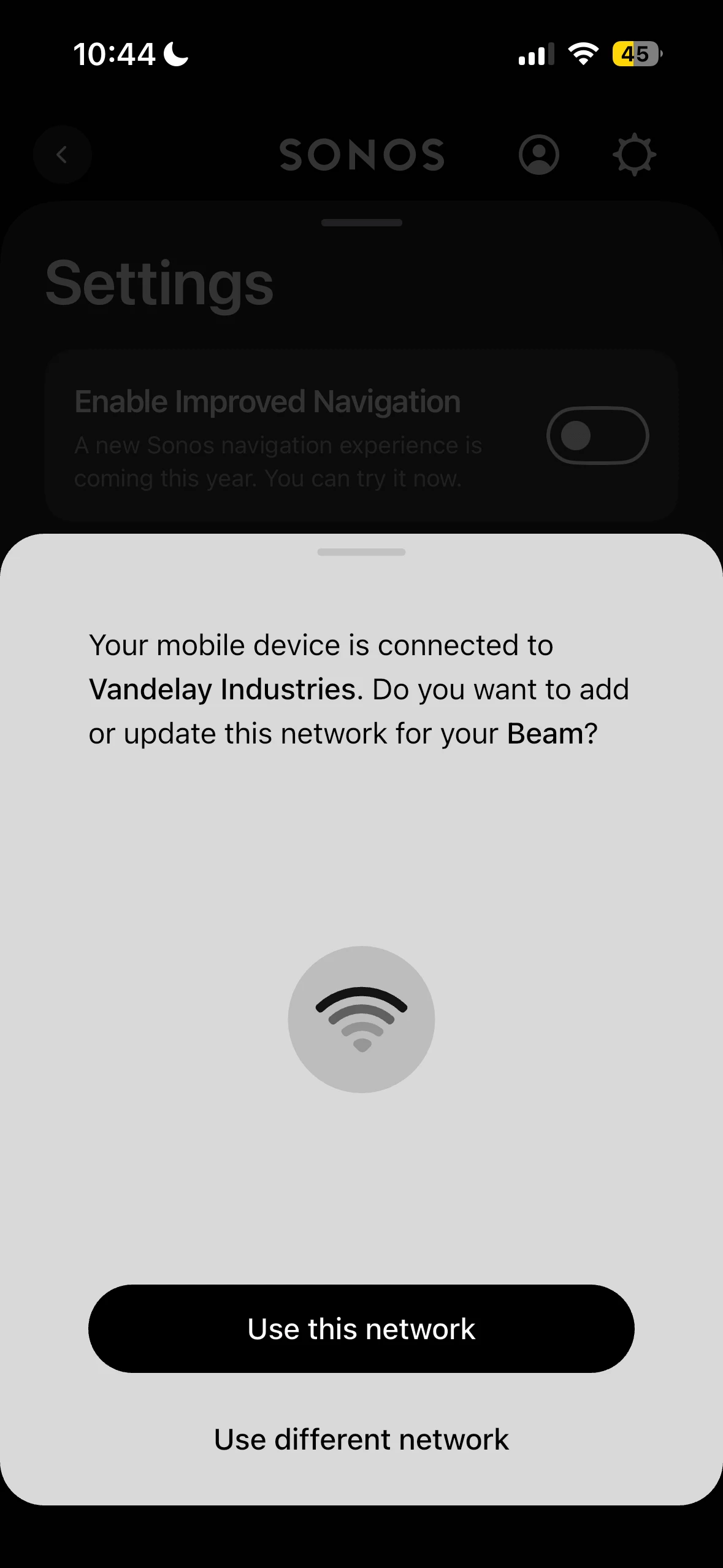
The message says your Device is connected to Vandelay Industries. That’s the SSID of your network. Did your network have a different SSID when you originally installed your Beam 2? Even though you may be using the same password if the SSID changed that is still a problem as Sonos doesn’t recognize the new SSID. 

Together Everyone Achieves More = T.E.A.M.
Contributor I
August 5, 2026

I read your initial post. Not saying what follows is definitely your issue but I have to ask.

The message says your Device is connected to Vandelay Industries. That’s the SSID of your network. Did your network have a different SSID when you originally installed your Beam 2? Even though you may be using the same password if the SSID changed that is still a problem as Sonos doesn’t recognize the new SSID. 

Yup, its always been Vandelay Industries

buzz
August 5, 2026

A quick search of several sites suggests that using special characters in the password is risky. All of the sites suggested not using “$”. They didn’t say these characters would universally fail, only that they are risky.

Was there a SONOS update? If so there may have been a change in password processing, however, if this is the case, I expect we’ll be seeing many more similar reports.

If you have an old router in your dustbin you could temporarily wire it to your network, wirelessly connect BEAM and your phone to it, and experiment with passwords. I’m not suggesting that this will initially be a forever useable setup, only that you can experiment with passwords. This is just a quick trial. If you prove it’s a password issue, you’ll need to decide about changing the system password or permanently establishing two WiFi networks. With a little care it is not too difficult to start a parallel WiFi. For a while I had two WiFi’s and my SONOS units were free to use either. If one WiFi went down for maintenance, units would switch to the other without a fuss. The SONOS units are also aware of my work WiFi and I can simply walk-in with a unit from home.

Perhaps a little scary or inconvenient, you could temporarily change your password and experiment. Obviously only the SONOS will be working during this period.

AjTrek1
August 5, 2026

I read your initial post. Not saying what follows is definitely your issue but I have to ask.

The message says your Device is connected to Vandelay Industries. That’s the SSID of your network. Did your network have a different SSID when you originally installed your Beam 2? Even though you may be using the same password if the SSID changed that is still a problem as Sonos doesn’t recognize the new SSID. 

Yup, its always been Vandelay Industries

OK… Are you sure you aren’t locking your keypad to all CAPS when typing the “$” sign which would cause all subsequent characters to be incorrect.

Together Everyone Achieves More = T.E.A.M.
MoPac
Headliner III
August 6, 2026

I read your initial post. Not saying what follows is definitely your issue but I have to ask.

The message says your Device is connected to Vandelay Industries. That’s the SSID of your network. Did your network have a different SSID when you originally installed your Beam 2? Even though you may be using the same password if the SSID changed that is still a problem as Sonos doesn’t recognize the new SSID. 

Yup, its always been Vandelay Industries

George is laughing!

Local Superstar
August 6, 2026

George is laughing!

Is he still selling Latex?


Contributor I
August 6, 2026

I gave up. Bought a switch and hooked up to Ethernet now. All is good. But I must say, over the years I have had many products connect to my WiFi and all has been smooth sailing, including this beam when I first set it up. Then after two years, the beam decided to not like my WiFi anymore. No other product has given me even a fraction of the trouble that this beam gave me with my WiFi all of a sudden. 

and to craigski and mopac - I can now going back to focusing on my importing/exporting and latex sales business.


thanks everyone  


Airgetlam
August 6, 2026

I suspect there was a change in the software/firmware that the router was using. To my knowledge, none of the changes made in the Sonos codebase recently have been to anything regarding WiFi, only controller display changes. And updates to new devices, but not the Beam. 

Bruce