

Yes, You Can Invest In Sonos Today
Yes, you can invest in Sonos with confidence despite what you might read in this community regarding issues with the new Sonos app. Let me explain…
Generically speaking any updated and/or re-built software that has been generational is primarily designed with the latest gear and future iterations in mind. However, software engineers also build in backwards compatibility so as not to leave behind and/or cause problems for customers who have already invested in the company’s products.
Sonos, while succeeding in some areas of the Sonos App ground-up refresh; failed in others, such as app stability and feature retention. Thus, causing pain for many of its loyal customers.
Replacing missing features is being addressed on a steady pace. However, IMO those should not concern a new buyer as quite frankly you can’t miss what you never experienced/had. The app overall performs as it should. 🙂
Having said that there will be those that say missing features should concern a new investor in Sonos gear. While there is some truth in that statement I remember the following.
When I first invested in Sonos my objective was to have a wireless whole-home music system without wires and not have to be tethered to one room that contained my AV stereo. I wanted to be able to listen to my music stored on my device in any room. In fact many of the features of Sonos today were not available. IMO the features that are available today have just made a great music listening experience even better.
However, as I said earlier those missing features are being addressed. Who knows…the feature you may be most interested in may have already been re-added to the new Sonos app. 😉
I’ve included a video of how the new Sonos App performs on my device (iPhone 15 ProMax). BTW…I’m quite pleased with the app performance and features!
Speaking of app stability. The Sonos app is also designed with end-user device OS duality in that it must function in iOS and Android. Note: I’ll not speak on PC platforms such as MacOS and Windows in this post as they require/deserve their own conversation.
Both iOS and Android users have experienced stability issues of a sort with the new app, some more than others. An important point to remember when investing in Sonos is that it requires a stable and robust home network to function properly. Sonos is very “chatty” in that it is constantly communicating across your network over Wi-Fi. In the past and even today in certain situations Sonos can compensate for less than perfect networks through a process called the SonosNet.
The SonosNet is created by wiring a Sonos product (other than a sub or speaker used as a surround in home theater) directly to your router. In doing so the SonosNet creates a proprietary Wi-FI signal that only a Sonos product can join. In essence Sonos is walled-off from your home WiFi and thus not subject to any (well most) short-comings found therein.
That said the SonosNet should resolve any Wi-Fi issues that may plague a less than perfect home WiFi system. In the pass that was mostly true. Sonos is now moving away from the SonosNet with its newer products due to improved networking gear offered by manufacturers.
The SonosNet can still be created but some current and future Sonos products are not and will not be able to join the SonosNet. Therefore, having a stable Wi-Fi network will be paramount to using Sonos going forward. Note: Sonos is a much more complicated connection on your network than your cell phone.😊
So how does all that that was just said relate to problems with the Sonos App today? The network issues in ones Wi-Fi were most likely present before the new Sonos App was introduced. However, the new Sonos App has exposed those short comings. It will take time for Sonos to figure–out how to compensate as every network configuration can’t be accounted for. There are also some network components that Sonos will absolutely not work on. Sonos also knows that every end-user is not network savvy.
In the interim there is Sonos Tech Support which can with your permission have you run a diagnostic for network analysis and your Sonos system in general. There is also this community to help you work through network issues. I’ll include links to network configurations that Sonos does and does not work on.
What to buy? As a new investor in Sonos gear click this link to see what Sonos products work with the new Sonos app only; and those that can work with the Sonos app and a version called Sonos S1 (older and/or discontinued products). If you are building a new system there are only two products that I would recommend that works on the new Sonos app and Sonos S1. I’ve taken the liberty to block-out those components you’ll find in the link; with both Sonos app/S1 compatibility, leaving only the Amp and Port as recommended products.
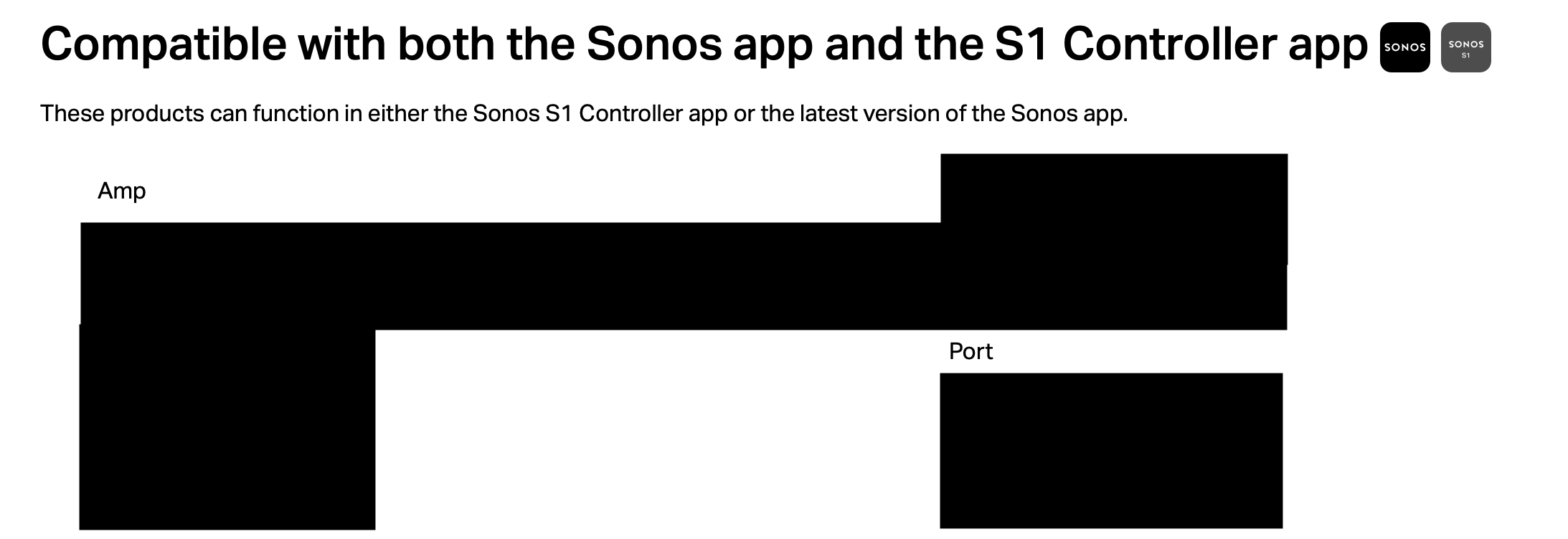
Conclusion. I hope I have provided information that belays your fears and/or allows you to get-off-the-fence and pull the trigger to purchase and invest in Sonos. That said Sonos does offer a no questions asked generous return policy on average up to 30 days. Your window of return may be more based upon your countries consumer law(s). You can always purchase locally that has the advantage of a speedier return if needed.
As I promised what follows is the video of how the new Sonos app performs for me. My network consists of three Asus ZenWiFi Pro ET12 routers configured in a proprietary Asus AI Mesh with an Ethernet Backhaul. I share this information as I have no drops, missing speakers, voice assistant or music streaming issues. My Sonos consists of 31 units. That’s’ a lot of chatter for my network to handle in addition to my other Wi-Fi devices. 😅
Networking