
Answered

Added Era 100s added to Beam gen 2, no sound

  • January 5, 2025
  • 2 replies
  • 145 views

Hi all, novice here. 
 

today added two Era 100s to by Beam gen 2. The Beam is currently connected to my LG oled via the hdmi arc. 
 

I’ve completed the set up via my Sonos app to add the two Eras to my system as surround, all looks well. However, I cannot hear any sound from them. I’ve tried multiple different Atmos programs, as well as Youtube TV running in 5.1- confirmed via Now Playing screen of the app.


Ive noticed that my two Eras are not showing connected to my Xfinity WiFi (via Xfinity app), could this be the issue? They aren’t on WiFi therefore the Beam cannot talk to them?


any help is appreciated, quite deflating TBH.

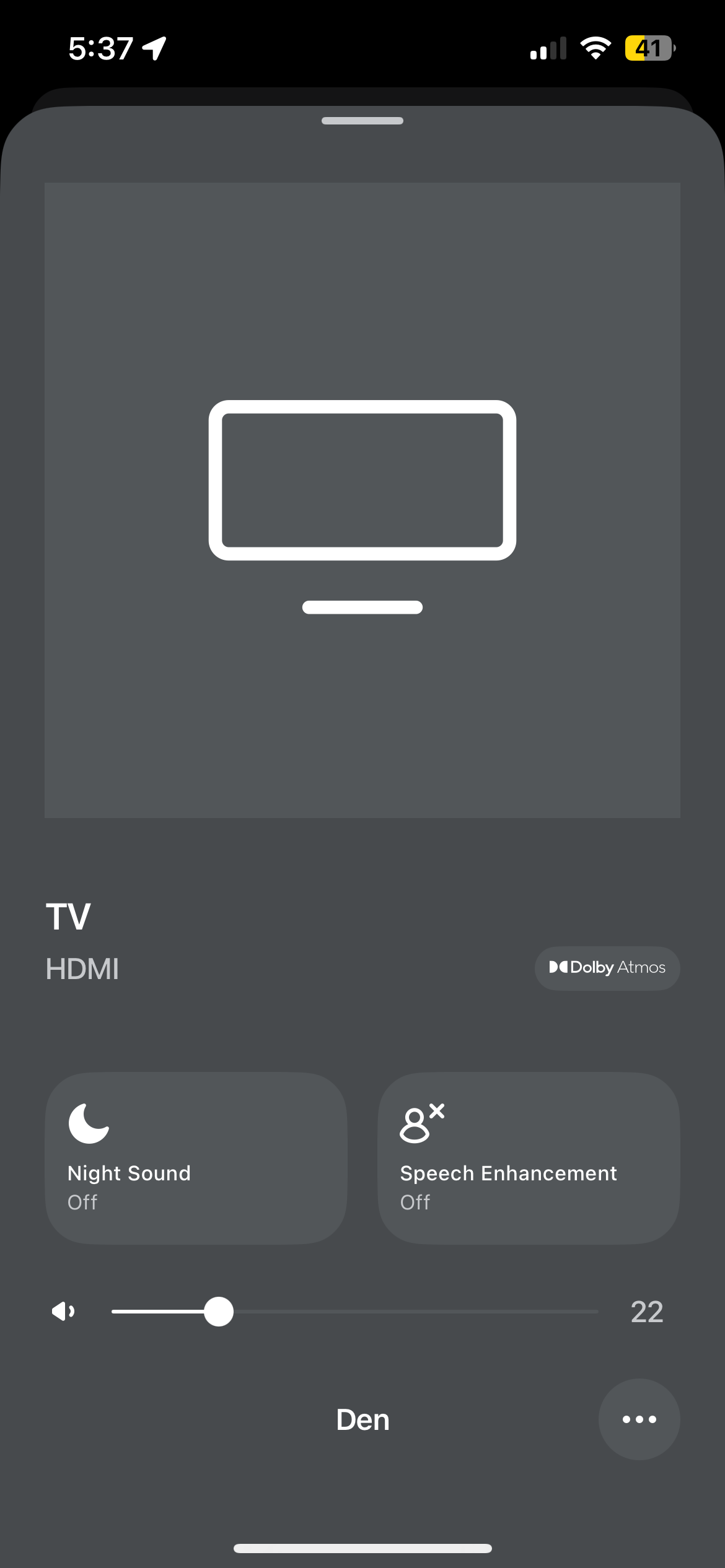
picture 1: confirmation Atmos is going to Beam

picture 2: screenshot of Systems Info
Moderator edit: removed picture containing serial numbers

Best answer by ErikMarietta

Thank you for the reply Stanley. I was able to do a full reboot, and what do you know, everything is working properly. 

This topic has been closed for further comments. You can use the search bar to find a similar topic, or create a new one by clicking Create Topic at the top of the page.

2 replies

Stanley_4
  • Lead Maestro
  • January 6, 2025

As a simple first test set your surrounds to use Full Mode for Music sources and play some music. The surrounds should play the left and right channels.

Many TV sources are mislabeled or if properly labeled contain no surround information.

If you search here you’ll find several suggested sources for surround/Atmos audio.

If you have a Firestick there is an excellent test built into the settings menus.


  • Author
  • Contributor I
  • Answer
  • January 6, 2025

Thank you for the reply Stanley. I was able to do a full reboot, and what do you know, everything is working properly.