Answered

Now What? Server Stack?

  • October 15, 2022
  • 5 replies
  • 236 views

Alonzo Mosley
Forum|alt.badge.img+10

Just last night, I thought… Sonos has been stable for eight days. Unprecedented!

Then today, it stopped playing Playlists. It would have trouble adding to the queue, and then when it did add, it would play 20 seconds of a song and skip forward.

It would not update the music library.

So I deleted the Library and tried re-adding.

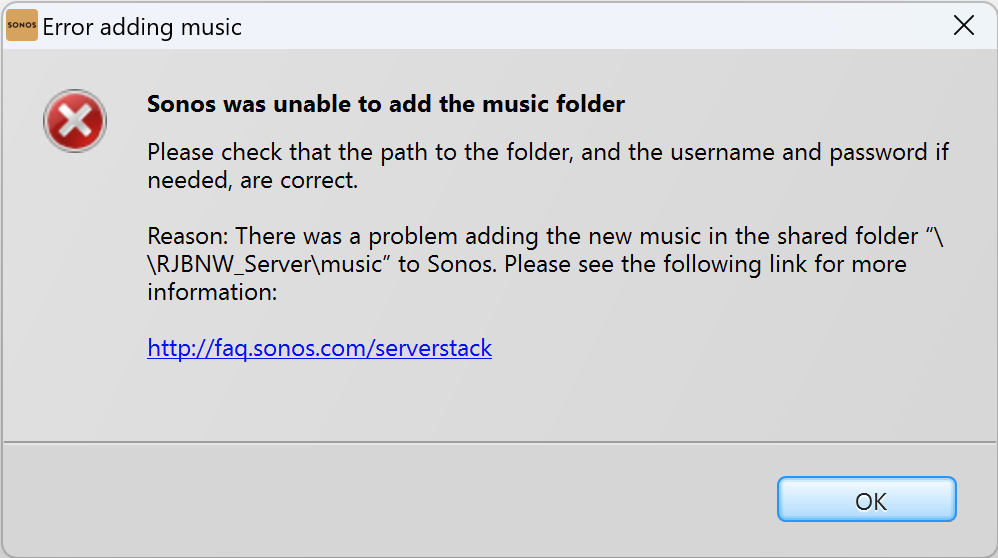
It gave me the above error message, so I added the IRPStackSize key as directed in the above message. (I did not have that in my registry, but remember everything was pretty close to OK for a week).

I cut my Library folder down to just a few titles, and still get this message. I tried adding from my Android, and got the 900 error - which references back to “Server Stack”.

It’s a 4 TB drive, and the total diskspace used is 178 GB.



Ay ay ay.

Best answer by Alonzo Mosley

I do have the IP addresses for all the Sonos devices assigned.

I hadn’t been able to mess with this - we were having some issues with the apartment and waiting for Maintenance to come, some time when I wasn’t home, so I’ve kept the server turned off (because I knew the crew would show up and just start flipping breakers on and off, which they did).

Anyway, I fired everything back up, and…. It updated correctly. On its own. I added a few songs yesterday, and they were playable this morning after the overnight sweep.

So I don’t know what the issue is/was, but I’m not going to tempt fate…


This topic has been closed for further comments. You can use the search bar to find a similar topic, or create a new one by clicking Create Topic at the top of the page.

5 replies

Alonzo Mosley
Forum|alt.badge.img+10
  • Author
  • Headliner I
  • October 15, 2022

What doesn’t make sense to me is, why does my PC’s registry matter when I am adding a folder off a Synology server?


Ken_Griffiths

What memory and storage space is available on the PC that you are using? If it’s low, does it make any difference if you switch the windows dynamic swapfile to a fixed swap-file, as outlined here:

https://recoverhdd.com/blog/swap-file-in-windows.html


Alonzo Mosley
Forum|alt.badge.img+10
  • Author
  • Headliner I
  • October 15, 2022

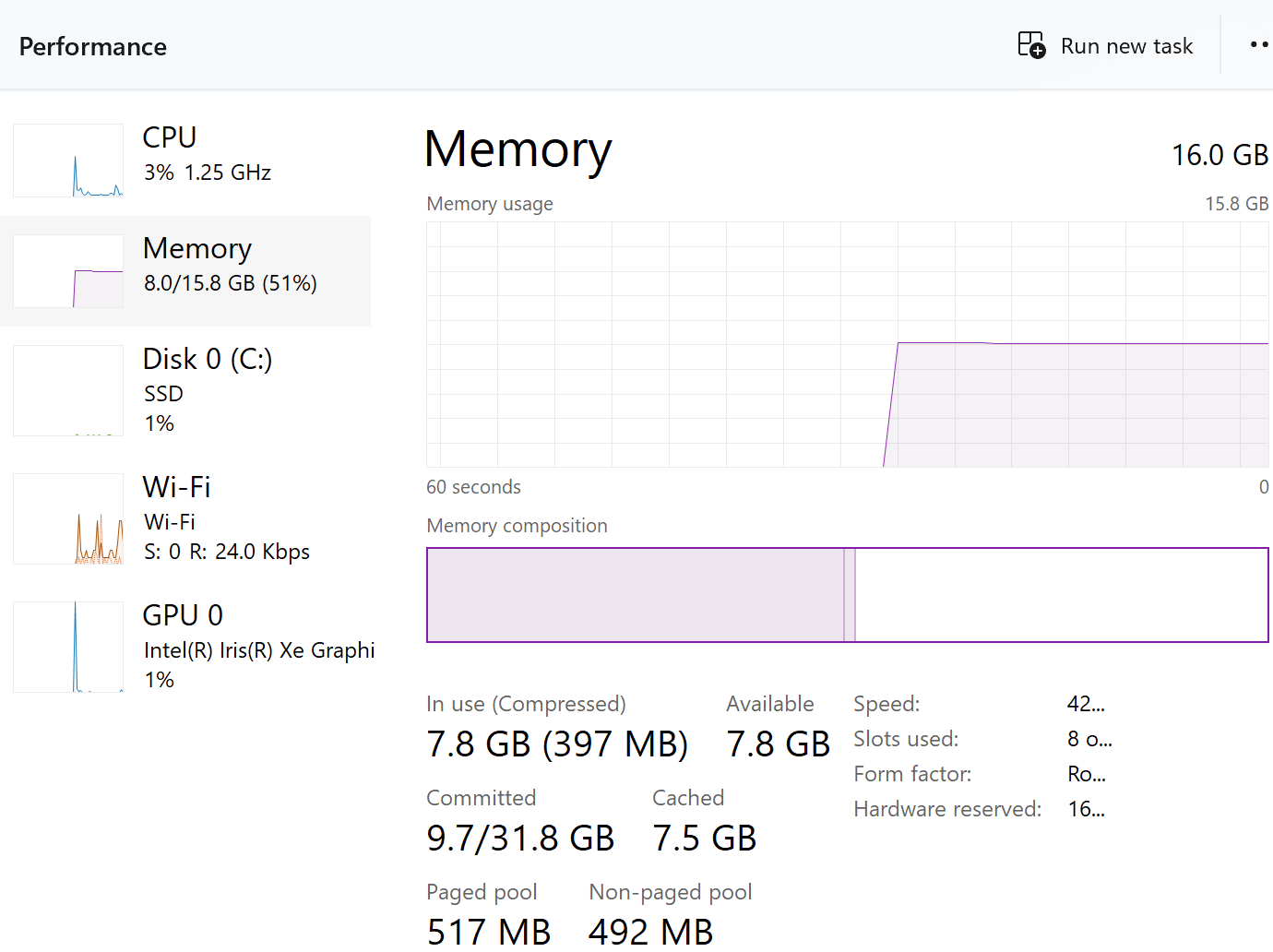
Not sure how to answer your question as far as “available” memory.

PC’s HD has 107GB free of 473. (Why would that matter?)

Running Win 11, Processor 11th Gen Intel(R) Core(TM) i7-1185G7 @ 3.00GHz   3.00 GHz, RAM 16.0 GB (15.8 GB usable).

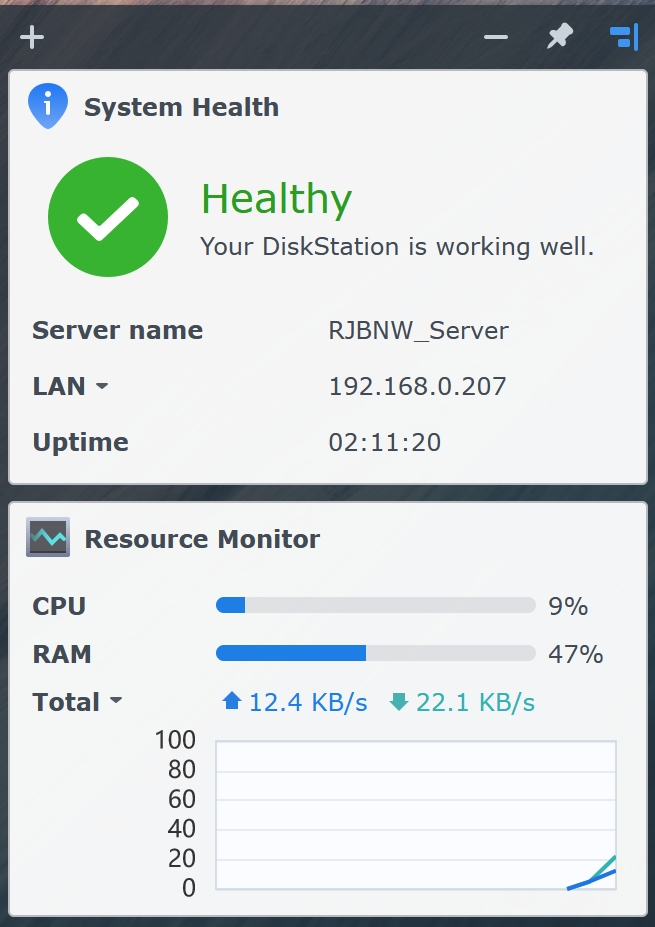
Server, again, is using <200GB of 4TB.


Ken_Griffiths

Looks like you have plenty of free space and memory on the PC, so that’s fine. Have you tried linking to the NAS server using it’s IP address instead of its netbios name - eg. //192.168.0.127/music to see if that works for you - using the same username/password credentials.

If you do that, then also don’t forget to reserve it’s IP address in your routers DHCP reservation table.


Alonzo Mosley
Forum|alt.badge.img+10
  • Author
  • Headliner I
  • Answer
  • October 27, 2022

I do have the IP addresses for all the Sonos devices assigned.

I hadn’t been able to mess with this - we were having some issues with the apartment and waiting for Maintenance to come, some time when I wasn’t home, so I’ve kept the server turned off (because I knew the crew would show up and just start flipping breakers on and off, which they did).

Anyway, I fired everything back up, and…. It updated correctly. On its own. I added a few songs yesterday, and they were playable this morning after the overnight sweep.

So I don’t know what the issue is/was, but I’m not going to tempt fate…