Changer de réseau wifi sur Connect Amp 1

  • November 17, 2024
  • 4 replies
  • 26 views

Bonjour,
Je souhaite changer le réseau wifi sur mes 2 amplis Connect Amp 1.
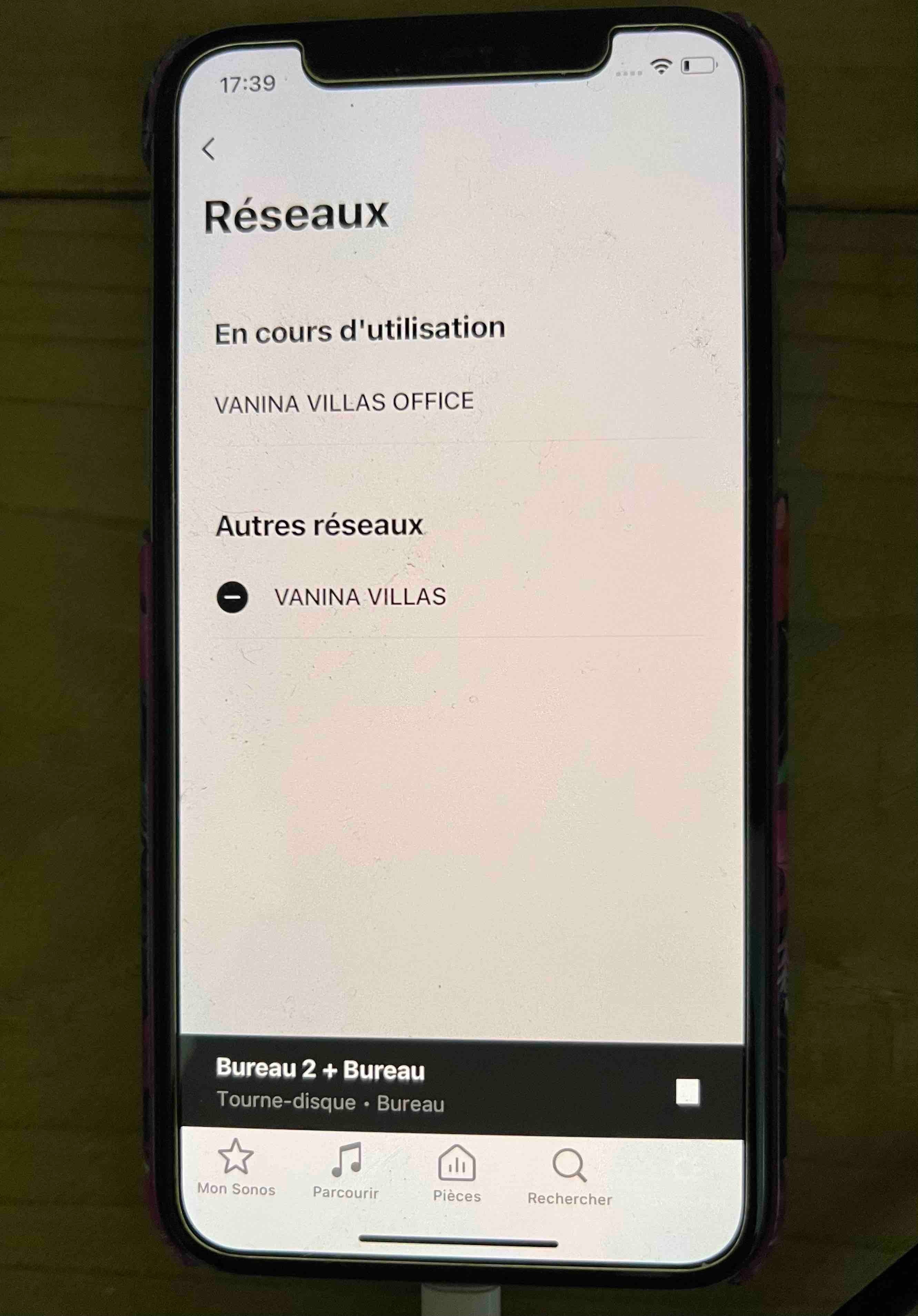
Sur l'appli, le nouveau réseau apparait, mais on me propose uniquement de l'effacer, pas de s'y connecter à la place du réseau actuel que je souhaite changer. Merci de votre aide

This topic has been closed for further comments. You can use the search bar to find a similar topic, or create a new one by clicking Create Topic at the top of the page.


4 replies

Airgetlam
  • November 17, 2024

Translation: 

Good morning,

I want to change the wifi network on my 2 Connect Amp 1 amps.

On the app, the new network appears, but I am only offered to delete it, not to connect to it instead of the current network that I want to change. Thank you for your help.


I’d suggest you review the new router - installation instructions FAQ.

Translation:

Je vous suggère de consulter la FAQ sur les instructions d'installation du nouveau routeur.


  • Author
  • Contributor I
  • November 18, 2024

Thank you for your answer, but my new router has no specific installation instruction for Sonos or whatever.
New network display on SONOS App, but can just delete it, not switching to connect to it.
Do I have to reset my Amps  to factory settings ?
Thanks


Forum|alt.badge.img+4
  • Enthusiast I
  • November 18, 2024

@Araliya 

If the network you want to connect to (new network?) is displaying with a “minus” sign next to it does that not indicate that you are actualy connected to it?


  • Author
  • Contributor I
  • November 18, 2024

It’s displaying with a minus sign. But only proposal is “delete”…
See enclosed picture
VANINA VILLAS OFFICE is my actual using network (but I want to stop subscription and switch to
VANINA VILLAS