Answer

Apple Music not listed in add Services & Voice

  • June 9, 2023
  • 17 replies
  • 839 views

ranash1995
Forum|alt.badge.img+1

Pretty much the title. I am based in Norway, my account profile is set to Norway and my AppleID is setup for Norway. None the less, no Apple Music is listed in the Add Services and Voice. 

My setup is a Beam (Gen1), 2 Symfoniks, a Play1 and a Play3.

The iOS app has been uninstalled and re-installed after a reboot of the phone. Still no luck.

Several other services are not showing up despite being supported for Norway:

SoundMachine
radio.net
Aldi life musik
idagio
Hearts of Space
Deezer
Bookmate

Any thoughts or ideas on why this might be happening? 

Best answer by Corry P

Hi @ranash1995 et al

Thanks for your post!

We are aware of this issue affecting our customers in Norway and are investigating. Thanks for reporting.

This topic has been closed for further comments. You can use the search bar to find a similar topic, or create a new one by clicking Create Topic at the top of the page.

17 replies

controlav
Forum|alt.badge.img+24
  • Lead Maestro
  • June 9, 2023

How recently did you set your Country data to Norway (in your Sonos account, which is the one that matters)? Changes can take a while to percolate to the app.


ranash1995
Forum|alt.badge.img+1
  • Author
  • Contributor I
  • June 9, 2023

That’s probably the rub here.

It was the first place I checked, to be sure that the country settings were all correct. It looked a little off (only showing a two letter code for the country field) so I set it to Norway (which is now what is showing instead of the two letter code)

If there has been some sort of profile glitch, hopefully this will all straighten out within 24 hours. I will update here and let everyone know what the fix was, one way or another.


Forum|alt.badge.img+1
  • Collaborator II
  • June 9, 2023

-Steps-
Sign in to Apple Music and turn on iCloud Music Library

To add music to your library to Apple Music, you must have an active Apple Music membership and turn on iCloud Music Library / Sync Library.

iPhone, iPad, or iPod touch

With the latest version of iOS, iPadOS, and macOS, Sync Library is turned on by default. If you turned off Sync Library, you can turn it back on. Just follow the steps below for your device.

  1. Open the device's settings menu, and select Music

  2. Turn on Sync Library.

    1. Note: If not subscribed to Apple Music or iTunes Match, this option will not appear.


  • Lyricist I
  • June 10, 2023

I have the same problem. Also bases in Norway. The country settings are correct. I also re-selected them yesterday to ensure that this SAS not the problem. The problem still persist.


  • Lyricist I
  • June 11, 2023

Same problem here. 

Also based in norway


Corry P
Forum|alt.badge.img+19
  • Sonos Staff
  • Answer
  • June 16, 2023

Hi @ranash1995 et al

Thanks for your post!

We are aware of this issue affecting our customers in Norway and are investigating. Thanks for reporting.


Any updates?

I have the same problem.


  • Lyricist I
  • June 26, 2023

Any news /update on Apple music in add services, I have the same problem


  • Lyricist I
  • July 5, 2023

Hi @ranash1995 et al

Thanks for your post!

We are aware of this issue affecting our customers in Norway and are investigating. Thanks for reporting.

How long are you investigating? It looks like its been close to a month, and still no dice.

I just bought a load of Sonos gear, expecting a seamless listening experience, but now, I have a bunch of overpriced Bluetooth speakers? Why no update, are you unable to find the problem, is the problem with Apple, or something else?

given how long this has been out (for longer than my owning Sonos), and the status page showing Apple Music as no problems, I feel duped. I have a mind to return all my Sonos products to the stores, given I have never been able to use them for their intended purpose.

Please update us, does this problem intend to exist for the unforeseen future?


Corry P
Forum|alt.badge.img+19
  • Sonos Staff
  • July 5, 2023

Hi @Ignatus 

I don’t have any update for you, but you should be able to skirt this issue by setting the location in your account profile to a country other than Norway (UK, for example) - 24 hours after doing so, you should then have the option to add Apple Music in the app once more.

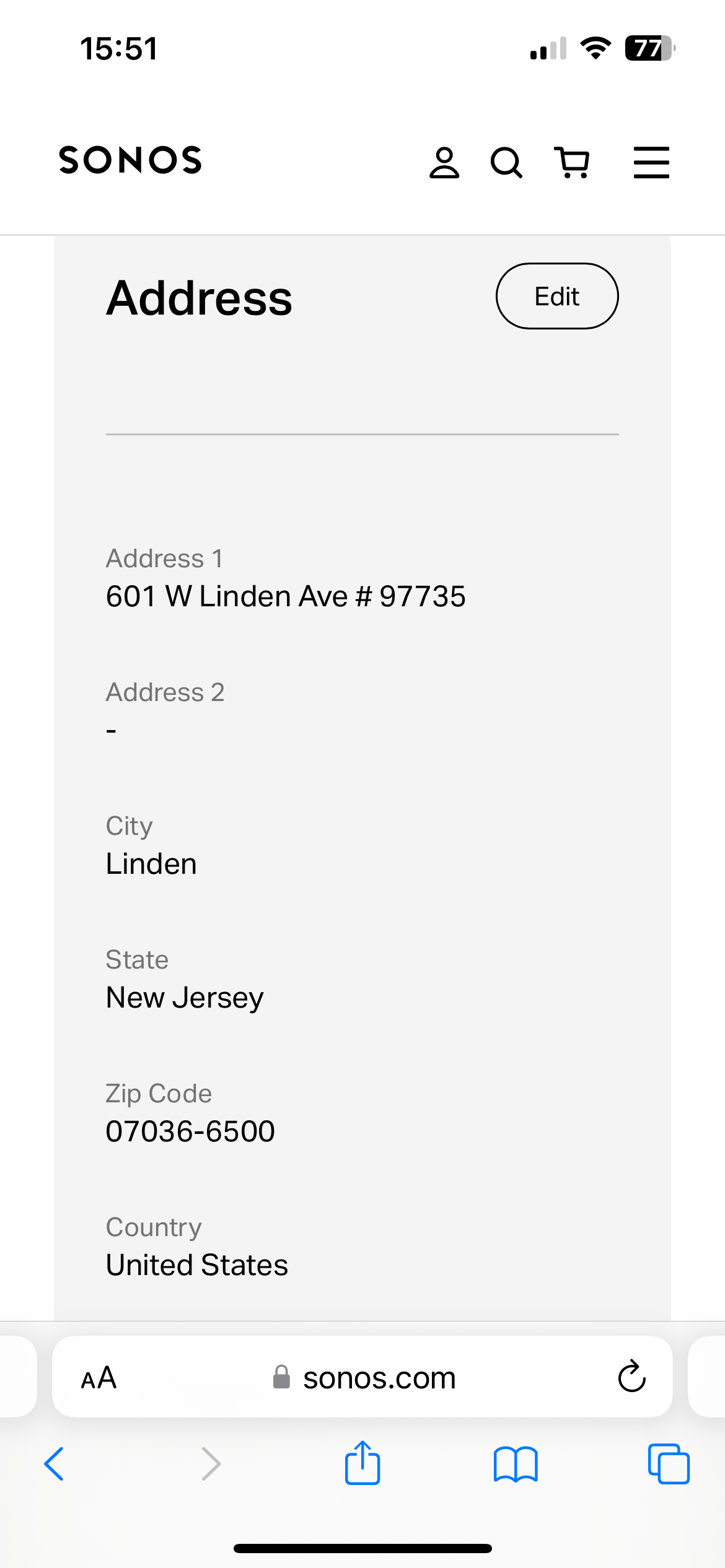
Go to https://www.sonos.com/login then click on Profile to see the page, and scroll down to Address and click Edit to change the setting. Please remember to click Save afterwards.

We do, however, intend to resolve this issue.

I hope this helps.


Confirmed.
 

Changed my address to an US based address, went in the Sonos app, checked for firmware updates. Restarted the app, and I can now add Apple Music. 
 

Shocked that Sonos haven’t been able to fix this yet!


  • Lyricist I
  • July 9, 2023

I have The same issue


106rallye
Forum|alt.badge.img+18
  • July 9, 2023

Since it was not resolved four days ago, it might nit be resolved now. Did the posted work around help you?


  • Lyricist I
  • July 13, 2023

Also based in Norway. Same problem. 
Looking forward to a quick fix, or I will return my newly bought Sonos gear. 
 

Couldn’t change country, since it required a full, valid address now.


Any update to this issue, since it’s been weeks and months? 


I used a fake address. 
 

You can use the same :)


This issue is now fixed by Sonos :)


  • Lyricist I
  • February 12, 2024

For ME, Apple music WAS listed and used, but then no longer listed/available.  Went thru ALL of the above steps, but when I simply had the app look for an update, it refreshed and Apple was listed as an option again.