Question

How to experience Dolby Atmos on arc?

  • June 17, 2020
  • 5 replies
  • 852 views

I just want to experience Dolby Atmos on Sonos Arc.

  • I have disconnected Arc from TV
  • Downloaded Tidal and subscribed HiFi plan
  • I found “Dolby Atmos” playlist created by Tidal and played few songs
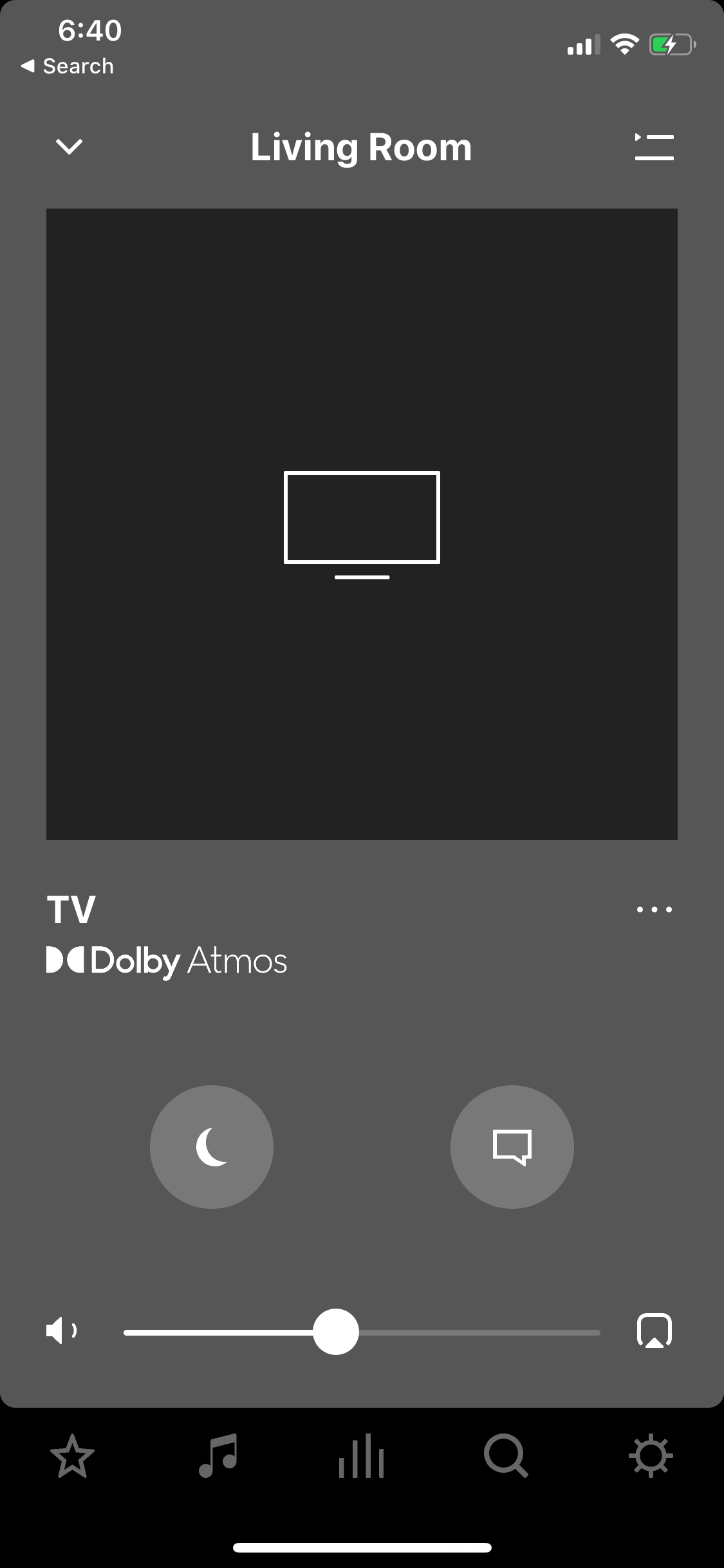
  • I do not see anything on S2 app to indicate that whether it's playing “Atmos” or not.

What would be the easiest way to experience Dolby Atmos on Sonos Arc?

This topic has been closed for further comments. You can use the search bar to find a similar topic, or create a new one by clicking Create Topic at the top of the page.

5 replies

Airgetlam
  • June 17, 2020

You need to use the TV to feed the Dolby Atmos signal to the Arc. As indicated in the announcements, there is no streaming Atmos signals currently. So, download Tidal on to one of the source devices that feeds the TV, and send the signal through the TV to the Arc. 


  • Author
  • Contributor I
  • July 2, 2020

I bought LG B9 55 inch TV now. I still don’t see Dolby Atmos on the app.

Setup:

I have hooked up Sonos Arc with ARC HDMI port. From settings menu, I enabled sound to HDMI ARC port and enabled eARC. 


  • July 2, 2020

How are you routing the Tidal stream through the TV? As @Airgetlam says, if you just stream direct to the Arc you won't get Atmos.


  • Author
  • Contributor I
  • July 2, 2020

I was able to get Atmos over xbox. 


  • Author
  • Contributor I
  • July 3, 2020

LG B9 comes with Dolby Atmos. If I run Netflix over xbox then I can get Dolby Atmos. However, if I run Netflix on TV directly; I don’t see Dolby Atmos in the sonos app. Any reason why?