Question

Rollout of "Disable SonosNet" feature - completion date?

  • June 5, 2026
  • 25 replies
  • 152 views

I’ve had Apple App Store app version 8.5.012 since the day it was available.

I have not yet received the feature to disable SonosNet.

When will the rollout of the feature to disable SonosNet be complete?

Others mentioned some ways to “force” the feature to appear, and I’ve tried them all multiple times. It’s now June 5, and I still don’t have the feature. I’ve got a Beam with surrounds, and I’ve had an ethernet cable dangling right behind it ready to plug in for YEARS.

25 replies

MoPac
Forum|alt.badge.img+19
  • Headliner III
  • June 5, 2026

I’m in the US.  The feature is active on my Sonos app.  Not sure when it became active.  The only Ethernet connected Sonos device I have has had SonosNet disabled for quite a while now.

I do have a question about a global option to disable SonosNet.  What effect does that have on Bonded rooms?


Smilja
  • June 5, 2026

I do have a question about a global option to disable SonosNet.  What effect does that have on Bonded rooms?


You’d need to enter your router’s SSID, running non-wired units in WiFi mode.


Forum|alt.badge.img+8
  • Prodigy I
  • June 5, 2026

@LunchMunch - Very unlikely to be able to force it and as has been mentioned elsewhere it is on a device basis so geography does not really apply.

I am still waiting this rime around too and in the past it has been anything from immediately on update to around 2 months (and subsequent updates). It is a case of just being patient…

@MoPac - As far as bonds go it should have no impact as long as Sonos knows your local Wi-Fi. Stereo pairs are on local network anyway and bonded surrounds/subs are on an 'invisible' network controlled by the sound bar/primary speaker... I think 🤔


  • June 5, 2026

I have it on my iPhone, but not iPad. It’s also on 2 of 3 android devices now.


MoPac
Forum|alt.badge.img+19
  • Headliner III
  • June 5, 2026

@LunchMunch - Very unlikely to be able to force it and as has been mentioned elsewhere it is on a device basis so geography does not really apply.

I am still waiting this rime around too and in the past it has been anything from immediately on update to around 2 months (and subsequent updates). It is a case of just being patient…

@MoPac - As far as bonds go it should have no impact as long as Sonos knows your local Wi-Fi. Stereo pairs are on local network anyway and bonded surrounds/subs are on an 'invisible' network controlled by the sound bar/primary speaker... I think 🤔

So if I globally disabled SonosNet and that turned off SonosNet on my Arc that would have no effect on the 5GHz bonding wireless signal?  I have always read here that you should never disable SonosNet on a soundbar.


  • June 5, 2026

@LunchMunch - Very unlikely to be able to force it and as has been mentioned elsewhere it is on a device basis so geography does not really apply.

I am still waiting this rime around too and in the past it has been anything from immediately on update to around 2 months (and subsequent updates). It is a case of just being patient…

@MoPac - As far as bonds go it should have no impact as long as Sonos knows your local Wi-Fi. Stereo pairs are on local network anyway and bonded surrounds/subs are on an 'invisible' network controlled by the sound bar/primary speaker... I think 🤔

So if I globally disabled SonosNet and that turned off SonosNet on my Arc that would have no effect on the 5GHz bonding wireless signal?  I have always read here that you should never disable SonosNet on a soundbar.

That is actually the purpose of implementing this. Being able to turn off SonosNet and still have wifi & bonding work properly. This is the old 2.4Ghz SonosNet being referred to. Not the new bonding invisible SonosNet that is being turned off. Just make sure all non ethernet devices are set up on wifi.

Edit: And I believe the advice was to not disable wifi on a soundbar. Even though it can be done if everything is on ethernet. Not really recommended.


Forum|alt.badge.img+8
  • Prodigy I
  • June 5, 2026

@MoPac My understanding too is that one should never disable Wi-Fi on a sound bar, or any non-hardwired speaker come to that.

As long as a speaker knows and is talking to your local network, either Wi-Fi or hardwired, then that should be fine.

However, if one does disable Wi-Fi on a soundbar, wired or not, then the satellite bonding will be lost... the bonding is maintained outside of and in addition to SonosNet.

SonosNet is just another Wi-Fi network independent of your local Wi-Fi and bonding so any speakers bonded, on your local network (hardwired or Wi-Fi) will not need or use SonosNet.


Stanley_4
  • Grand Maestro
  • June 5, 2026

The advise for soundbars is to never disable the radio, not Sonosnet. If you disable the radio the soundbar can't communicate with subs or surrounds.

As that isn't confusing enough there are two Sonosnets that aren't anything alike, the one we are familiar with is the 2.4 gHz mesh used to communicate between devices when Wi-Fi isn't being used as a Sonos is wired to Ethernet. The second is the 5 gHz Sonosnet used to communicate with a soundbar's Subs and Surrounds.

And if your head isn't hurting yet... Sonos calls the "disable the radio" switch disable Wi-Fi. Technically correct as it does disable the Wi-Fi but is more like dealing with a split fingernail by cutting off the finger.

The disable Sonosnet option disables the 2.4 gHz Sonosnet while leaving the 5 gHz Sonosnet active. Giving you the ability to have your Sonosnet capable speakers stay on your Wi-Fi if you wire one to Ethernet, and to have your Sub and surrounds working.


Smilja
  • June 5, 2026

That is actually the purpose of implementing this. Being able to turn off SonosNet and still have wifi & bonding work properly. This is the old 2.4Ghz SonosNet being referred to. Not the new bonding invisible SonosNet that is being turned off.


The so-called “new SonosNet” has actually been around since 2013. It’s officially known as ‘Direct Routing,’ a feature of SonosNet that’s also built into WiFi mode.


jgatie
  • June 5, 2026

So if I globally disabled SonosNet and that turned off SonosNet on my Arc that would have no effect on the 5GHz bonding wireless signal?  I have always read here that you should never disable SonosNet on a soundbar.


It was recommended that you not disable WiFi, which is completely different from disabling Sonosnet.  Disabling WiFi turned off all WiFi radios, including the connection to surrounds and Subs.  DIsabling Sonosnet just disables Sonosnet, the WiFI radios are still on. 


MoPac
Forum|alt.badge.img+19
  • Headliner III
  • June 5, 2026

Always wanted Sonos to separate those two signals.  Looks like that’s what this update does.  Cool!!


  • June 5, 2026

That is actually the purpose of implementing this. Being able to turn off SonosNet and still have wifi & bonding work properly. This is the old 2.4Ghz SonosNet being referred to. Not the new bonding invisible SonosNet that is being turned off.


The so-called “new SonosNet” has actually been around since 2013. It’s officially known as ‘Direct Routing,’ a feature of SonosNet that’s also built into WiFi mode.

And wouldn’t it have been nice if Sonos named it something different instead of confusingly calling it SonosNet. Which name has been in use since the first zone players were introduced.


Forum|alt.badge.img+8
  • Prodigy I
  • June 5, 2026

Originally though the name 'SonosNet' appeared as an independent wireless local network.

You could actually, although ill-advised, use it as such too. Speakers with unused ethernet ports could be used as wired switches and you could attach phones and so on to it wirelessly... it was not ideal but it worked!

I think the option was removed around the time the original s2 changes were made 🤔

(also I don't recall ever seeing the bonding network being referred to as SonosNet outside of the forum(s)...)


Smilja
  • June 5, 2026

And wouldn’t it have been nice if Sonos named it something different instead of confusingly calling it SonosNet. Which name has been in use since the first zone players were introduced.


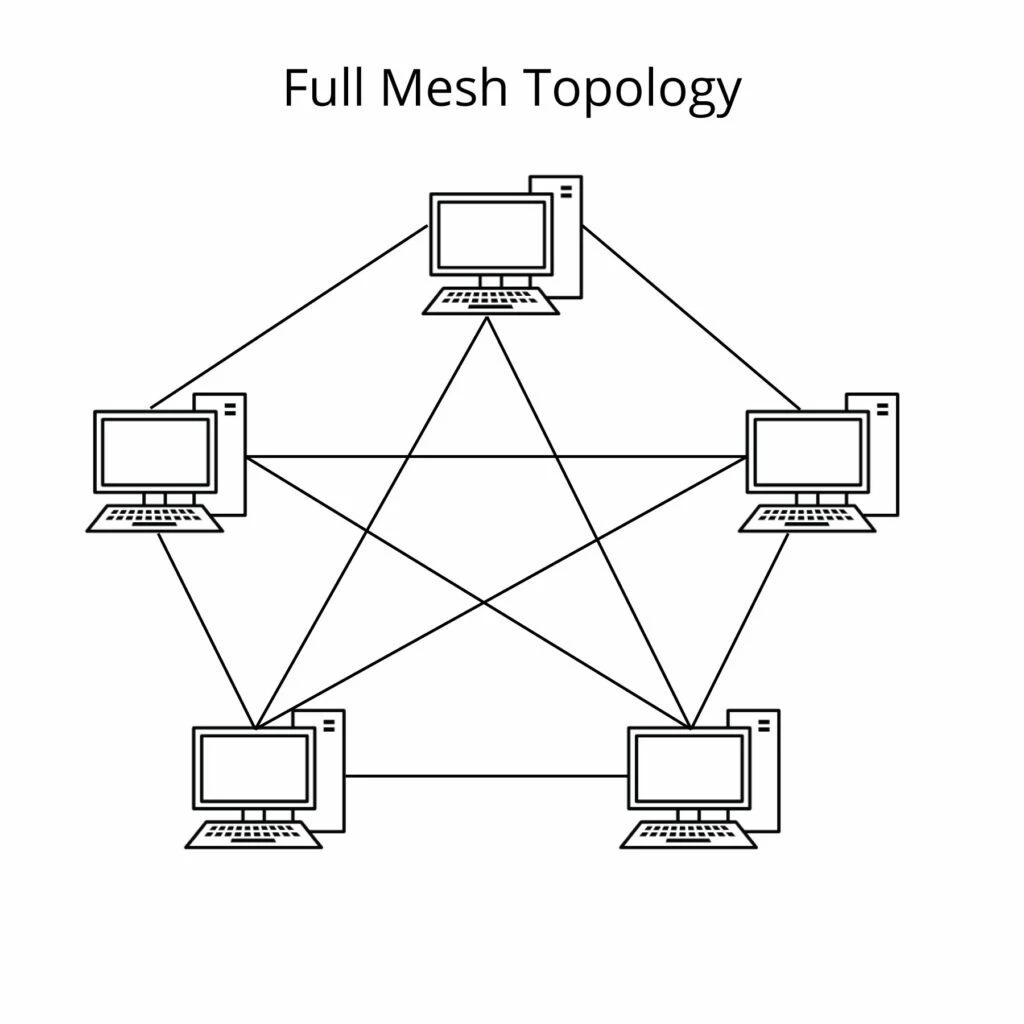
A well-known example is the Hue Bridge, which sets up a Zigbee subnet, while the wired Sonos component creates a full mesh network. So, I think SonosNet is an appropriate term.


Still hoping for SonosNet v3. 🤗


  • June 5, 2026

A well-known example is the Hue Bridge, which sets up a Zigbee subnet, while the wired Sonos component creates a full mesh network. So, I think SonosNet is an appropriate term.

SonosNet is great term for the original mesh network the that sonos devices created. The problem with the name is that Sonos now uses the same name to refer to the 5 Ghz home theater wifi bonding between soundbars and surrounds/subs. That is what I’m referring to.


Forum|alt.badge.img+8
  • Prodigy I
  • June 5, 2026

A well-known example is the Hue Bridge, which sets up a Zigbee subnet, while the wired Sonos component creates a full mesh network. So, I think SonosNet is an appropriate term.

...Sonos now uses the same name to refer to the 5 Ghz home theater wifi bonding between soundbars and surrounds/subs. That is what I’m referring to.

Do they? Genuinely interested as I have not seen it officially referenced as such 🤔. Haven't made it a priority to look though 🤓...


Smilja
  • June 5, 2026

I’ve never seen a forum moderator refer to the home theater’s dedicated 5 GHz network as ‘SonosNet,’ but regular users do it all the time, which inevitably leads to confusion.


Stanley_4
  • Grand Maestro
  • June 5, 2026

The first use of the 5 gHz Sonosnet term was by a moderator.

We users had no name for it, stuck using 5 gHz signal as we had no official name.

I do think the Sonos folks in charge of naming things need sent to their rooms without dinner.


jgatie
  • June 5, 2026

The first use of the 5 gHz Sonosnet term was by a moderator.

We users had no name for it, stuck using 5 gHz signal as we had no official name.

I do think the Sonos fol,s in charge of naming things need sent to their rooms without dinner.


Yeah I never referred to the surrounds/Sub connection as “Sonosnet”.  Sonosnet is a mesh, which the surrounds/Sub connection is uhhh, not.  Calling a multi-connection mesh network the same name as a dedicated one-way direct connection strains reality.    


Forum|alt.badge.img+8
  • Prodigy I
  • June 5, 2026

All anecdotal or incorrect usage by forum members then... Bit like pairs/groups/rooms and so on, all get incorrectly used and so confuse…

That's technology for you though 🤠!


Forum|alt.badge.img+19
  • Senior Virtuoso
  • June 5, 2026

I’ve had Apple App Store app version 8.5.012 since the day it was available.

I have not yet received the feature to disable SonosNet.

When will the rollout of the feature to disable SonosNet be complete?


The new version was only released on 27th May, on a phased rollout. If that rollout is happening over a 30-day period, you may still have a few more weeks to wait. 
 

It would, though, be very helpful for Sonos to indicate a rollout timeframe, on all phased releases. 


Stanley_4
  • Grand Maestro
  • June 5, 2026

All anecdotal or incorrect usage by forum members then... Bit like pairs/groups/rooms and so on, all get incorrectly used and so confuse…

That's technology for you though 🤠!

No. The term and usage came from a moderator, not a user.


Forum|alt.badge.img+8
  • Prodigy I
  • June 5, 2026

All anecdotal or incorrect usage by forum members then... Bit like pairs/groups/rooms and so on, all get incorrectly used and so confuse…

That's technology for you though 🤠!

No. The term and usage came from a moderator, not a user.

So, without reference to that post, anecdotal... 🤷🏼‍♂️


Pools-3015
Forum|alt.badge.img+17
  • Prodigy I
  • June 5, 2026

I’ve had Apple App Store app version 8.5.012 since the day it was available.

I have not yet received the feature to disable SonosNet.

When will the rollout of the feature to disable SonosNet be complete?

Others mentioned some ways to “force” the feature to appear, and I’ve tried them all multiple times. It’s now June 5, and I still don’t have the feature. I’ve got a Beam with surrounds, and I’ve had an ethernet cable dangling right behind it ready to plug in for YEARS.

You do not need to disable SonosNet in order to hardwire you Beam. I had my Playbar hardwired with the Sub and surround wirelessly bonded to it before I got the Arc. And now the Arc is hardwired with the Sub and surrounds bonded to it. I have never experienced connection or buffering issues.

I would say plug the cable into the Beam, but if you are not having any issues, just leave it as is.


jgatie
  • June 5, 2026

Might as well argue about how many angels dance on the head of a pin, it’s about as topical, and the answer is also just as useless.  Mods/users, anecdotal/documented, official decree/unofficial rumor?  Who give a flying fig?  Sonosnet, the mesh network as originally defined back in 2005, and (more importantly) as defined in the newest functionality to “disable Sonosnet” which is the topic of this thread”, is different from the connection to surrounds/subs, period.